

A Quick Guide: How to Make a Fillable PDF for Signing and Completing Forms
Learn how to make fillable pdf for signing and completing forms, with the best tools and steps to create interactive, submission-ready documents.

Tired of nonsense pricing of DocuSign?
Start taking digital signatures with BoloSign and save money.
So, you want to make a fillable PDF. What does that actually mean? It’s about taking a static, flat document and turning it into an interactive form with fields for text, dates, and even legally binding signatures. This simple switch can transform documents like client intake forms or contracts into powerful tools that make collecting information faster and far more accurate. With a platform like BoloSign, you can create, send, and get these forms signed quickly and securely.
Why Your Business Needs Interactive PDF Forms
Think of a standard PDF as a one-way street; it gives information, but it doesn't easily let you get any back. Making that PDF fillable opens up a two-way channel for gathering crucial data directly from clients, new hires, or patients. It’s a game-changer that ends the soul-crushing cycle of printing, filling by hand, scanning, and emailing documents back and forth.
For a busy logistics company, this could mean drivers completing and signing proof-of-delivery forms right on their tablets. In a professional services firm, client onboarding packets can be filled out and sent back in minutes, not days. The goal is to stop just looking at documents and start using them as active tools for data capture.
Accelerating Workflows and Slashing Errors
The biggest win here is the massive boost in efficiency. We've all seen how manual data entry isn't just slow—it's a breeding ground for human error. A misplaced number or a misspelled name can lead to costly mistakes in contracts or patient records. An interactive PDF, on the other hand, guides the user through each required field, making sure you get all the necessary information right the first time.
By converting static documents into interactive forms, businesses can dramatically cut down processing times and improve data accuracy. This isn't just about technology; it's about creating a smoother, frustration-free experience for your team and your clients.
This need for smarter digital document workflows is clearly reflected in the market. The global PDF software market was valued at USD 4.05 billion in 2026 and is on track to hit USD 7.58 billion by 2033. With North America driving roughly 40% of this demand, it's clear that fillable forms are becoming critical in almost every sector. You can dig into more of these numbers in the PDF software market growth report on verifiedmarketreports.com.
The right tools take this even further. For instance, platforms like BoloSign can integrate contract automation directly into the workflow, turning a simple form submission into a completed, signed, and securely archived agreement without any extra steps.
Choosing the Right Tool to Create Your Fillable PDF
Picking the right tool to make a fillable PDF is probably the most important decision you'll make in this whole process. It's a choice that ripples through everything, from how long it takes to build the form to what the final experience is like for your clients or new hires. You really need to find software that fits your business needs, not the other way around.
Traditional Tools vs. Modern Alternatives
For years, the gold standard for complex, layered documents has been enterprise software like Adobe Acrobat Pro. It's powerful, no doubt. But it also comes with a steep learning curve and a subscription model that can feel like overkill for smaller businesses or teams. Frankly, it can be like using a sledgehammer to crack a nut.
On the other end, you have free and open-source options like LibreOffice Draw. These can get the job done for super simple forms, but they often feel clunky and lack the professional polish—not to mention critical features like eSignatures—that businesses rely on today.
This is where cloud-based platforms have completely changed the game. The market for PDF editor software is exploding, projected to jump from USD 5.54 billion in 2026 to an incredible USD 24.7 billion by 2035. What's driving that? Web-based solutions. They now make up around 62% of all deployments, which shows a massive shift away from old-school desktop software. You can dig into the full PDF editor market trends to see just how much cloud tools are taking over.
A modern tool should do more than just add fields to a PDF; it should manage the entire document workflow, from creation and distribution to signature collection and secure storage.
A Quick Look at Your Options
Choosing a tool can be tough, so here’s a quick breakdown to help you compare the most common options at a glance.
Comparison of Fillable PDF Creation Tools
| Tool | Best For | Cost Model | eSignature Integration |
|---|---|---|---|
| Adobe Acrobat Pro | Complex, multi-layered document design and heavy-duty PDF editing. | Subscription (Per User) | Built-in (Adobe Sign) |
| LibreOffice Draw | Very basic, simple forms where cost is the primary concern. | Free (Open-Source) | None |
| Online Converters | Quick, one-off conversions of simple documents like Word files. | Freemium/Ad-supported | Limited or None |
| BoloSign | End-to-end document workflows, eSignature collection, and automation for teams. | Flat-rate Subscription (Unlimited Users) | Built-in (Legally Binding) |
This table shows a clear trade-off: traditional tools offer power but at a high cost and complexity, while free options lack the professional features most businesses need. Cloud-based platforms like BoloSign aim to bridge that gap.
Finding the Best Fit for Your Industry
The right choice really comes down to what your specific industry needs day-to-day.
- Staffing Agencies: You're sending the same application packet to hundreds of candidates. A platform that lets you create reusable templates is non-negotiable for staying efficient.
- Healthcare Clinics: You handle sensitive patient data all day long. Any tool you use absolutely must be HIPAA-compliant and offer top-notch security for intake forms and consent agreements.
- Real Estate: A smooth client experience is everything. You need tools that can integrate with your CRM and automate follow-up reminders to make onboarding feel quick and professional.
This is exactly where a solution like BoloSign shines. It gives you the simplicity of a modern web app but backs it up with powerful AI-powered automation. You can create, send, and manage unlimited documents and templates with unlimited team members, all for one fixed price. That makes it up to 90% more affordable than traditional tools.
Instead of just making a static form, you're building an automated, secure process that includes a legally binding eSignature. Our platform provides a complete set of BoloSign features designed for precisely these kinds of real-world business needs.
By picking a tool that actually aligns with your workflow, you’re not just making a fillable PDF—you're building a smarter, safer, and more professional way to do business.
How to Add and Configure Interactive Form Fields
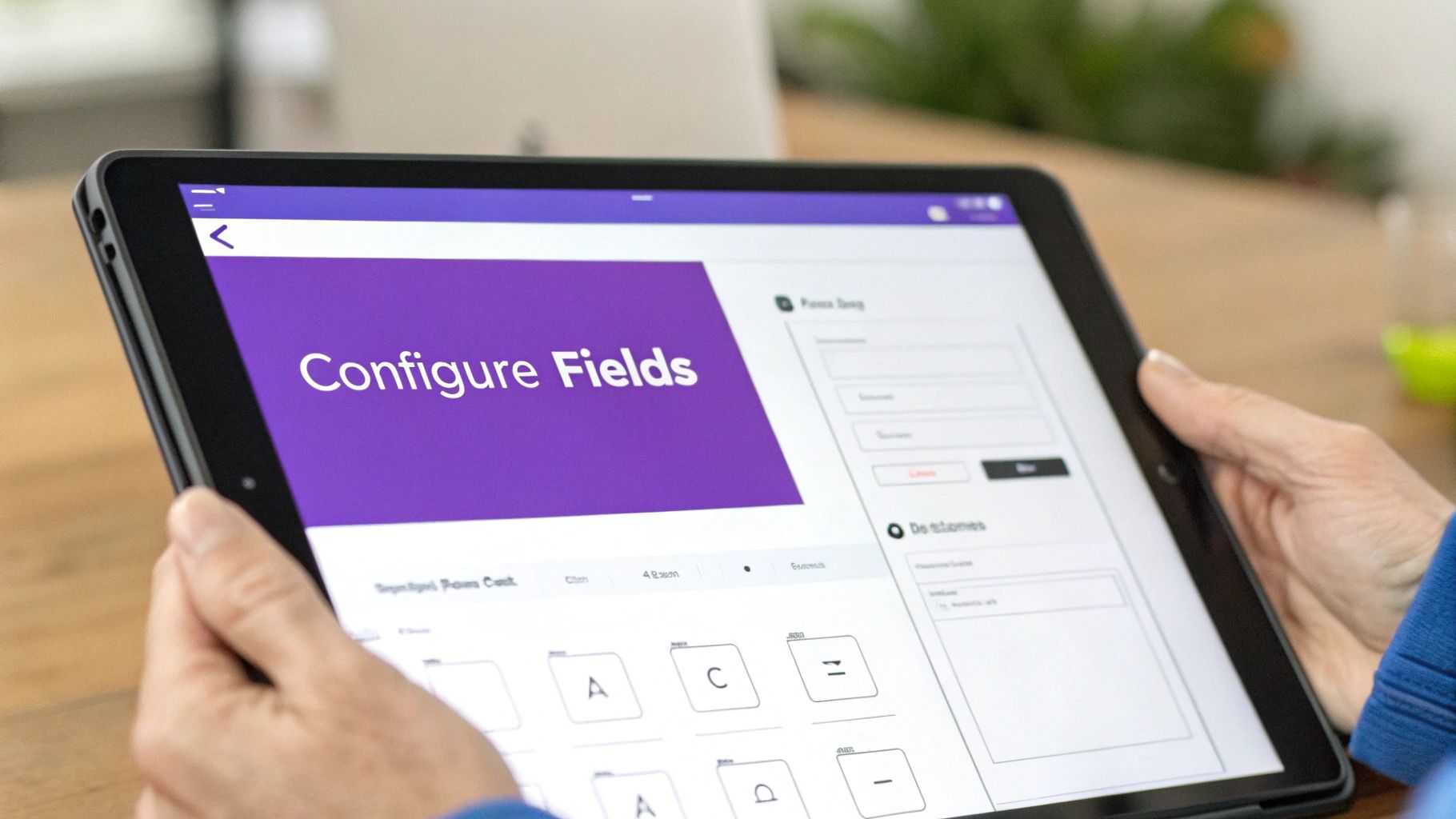
This is where your static document comes to life. Adding interactive fields is what transforms a simple page into a dynamic tool that can capture names, dates, addresses, and legally binding signatures. It’s the difference between a PDF someone just reads and one that actually gets work done for you.
Properly set-up fields are the secret to efficient data collection. They guide the user, prevent common mistakes, and make sure the information you get back is clean and consistent. Think of this less as a technical step and more as creating a seamless experience for your client or colleague.
Laying Out the Essential Form Fields
When you make a fillable PDF, you're really designing a structured conversation. Every field is a question, and using the right type of field is crucial to getting a clear answer. This simple choice prevents a ton of confusion and errors down the line.
Here are the workhorses you’ll be using most often:
- Text Fields: The go-to for open-ended info like names, addresses, or brief comments.
- Checkboxes: Perfect for "yes/no" questions or letting people select multiple options from a list (e.g., "select all that apply").
- Radio Buttons: Use these when you need someone to pick just one option from a group, like choosing a specific service package.
- Dropdown Menus: A great way to offer a long list of choices (like states or countries) without cluttering up your document.
- Date Pickers: These are a lifesaver. They provide a simple calendar pop-up that eliminates formatting mistakes entirely.
- Signature Fields: This is the big one for any agreement. It’s where you’ll place the block for a legally compliant eSignature.
Imagine a patient intake form. You'd use text fields for the name and address, checkboxes for their medical history ("check all that apply"), and a date picker for their date of birth. Capping it off with a dedicated signature field, especially one powered by a platform like BoloSign, secures their consent in a HIPAA-compliant way.
Fine-Tuning Fields for Cleaner Data
Just dragging and dropping fields onto the page isn't enough. The real pro move is configuring them to work smarter. A few minutes spent on this now will save you hours of headaches later.
Field Naming and Validation
First, give every field a logical name. "Client_Email" is infinitely better than the default "Text Field 12," especially when you need to export the data later.
Most professional tools also let you set up validation rules. For an email field, you can require the input to match the "name@domain.com" format, which catches typos on the spot.
Setting key fields as 'required' is a non-negotiable for critical information. A real estate agent sending a lease agreement must make the signature and date fields mandatory. It stops the contract from being sent back incomplete, which avoids delays and frustration.
This entire process is intuitive inside BoloSign. You can easily add fields to your PDF, mark them as required with a click, and assign them to specific people. It guarantees your digital signing solutions aren't just easy to use but also capture complete and accurate information every single time.
Our platform can even pre-fill information you already have, making the signing process even faster for your client. This level of detail elevates a simple document into a reliable, automated part of your business. Why not start your 7-day free trial and see for yourself how simple it is to build the perfect form?
Integrating eSignatures for Legally Binding Agreements
So, you've created your fillable PDF. Great. But in many cases, that's only half the battle. The final, and arguably most critical, step is getting it signed. A form without a signature is just data collection; a form with a legally binding signature becomes an enforceable contract, a client consent form, or a confidential NDA. This is the moment your interactive document becomes a secure, compliant agreement.
Let’s be clear: just adding a blank line for someone to type their name doesn’t cut it. For an agreement to hold up in a dispute, you need a true eSignature solution that proves who signed, when they signed, and that the document hasn’t been touched since. This is especially true if you’re operating in a regulated industry.
For businesses based in the UAE, it's also smart to get familiar with local digital signing options. You might want to explore dedicated e-signature card services to ensure you’re meeting all regional standards.
Ensuring Legal Compliance and Security
When you’re dealing with contracts or sensitive information, compliance isn't just a buzzword—it's a requirement. This is what really separates a professional eSignature platform from a basic form-filler. These tools are built to adhere to strict legal frameworks.
Some of the key compliance standards to look for include:
- ESIGN & UETA (US): These are the foundational acts that give electronic signatures the same legal standing as their handwritten counterparts.
- eIDAS (EU): This regulation creates a consistent legal framework for electronic identification across the entire European Union.
- HIPAA (Healthcare): An absolute must for any clinic or healthcare provider. Any tool handling patient data must be HIPAA-compliant.
- GDPR (Data Privacy): This protects the data and privacy of individuals in the EU, and any company doing business there needs to comply.
A platform like BoloSign is designed with these regulations at its core. It creates an unchangeable audit trail that captures every single action taken on the document, from the moment it’s sent to the final signature. This log includes IP addresses, timestamps, and user events, building a digital paper trail that offers concrete proof of the entire signing process.
Think about it: for an education provider managing enrollment agreements or a consulting firm finalizing a client contract, that complete audit trail is non-negotiable. It gives you the legal certainty you need to operate with confidence.
Automating the Entire Signature Workflow
Adding an eSignature field is about more than just capturing a signature; it’s your opportunity to automate the entire agreement process from start to finish. A modern platform doesn’t just stop working once the field is in place—it manages the entire document lifecycle.
With BoloSign, for instance, you can set up a completely hands-off workflow.
- Send and Track: Automatically route the fillable PDF to multiple people in a specific signing order.
- Automated Reminders: Gently nudge anyone who hasn't signed yet, without you having to lift a finger.
- Real-Time Notifications: Get an instant alert the second a document is viewed, filled out, or signed.
- Secure Storage: Once signed, the final, tamper-proof document is securely stored and made accessible to all parties.
This level of contract automation transforms a tedious, manual task into an efficient and reliable system. You can see the difference for yourself by exploring how a robust digital signing solution works.
Instead of just collecting a signature, you're building a smarter workflow that saves time, cuts down on errors, and seriously strengthens your legal position. Experience it firsthand by starting a 7-day free trial of BoloSign today.
Getting Your Fillable PDF Ready for the World
You’ve built your fillable PDF, and that’s a huge accomplishment. But the job isn’t truly done until it's in the right hands and works perfectly for everyone. A form that glitches, looks weird on mobile, or is hard to access can create delays and frustration, undoing all your hard work. Thoughtfully finalizing and sharing your document is what really counts.
The first thing you absolutely must do is test it. A form that works flawlessly on your desktop in Adobe Reader might completely break in a web browser or look misaligned on a phone. Before you even think about sending it out, test your PDF across different platforms. This guarantees a smooth experience for every recipient, no matter what device they’re using.
Securing and Sharing Your Document
Once you've confirmed it works everywhere, it’s time to think about security. For any document handling sensitive information, like a healthcare intake form, you can set permissions to prevent anyone from making unauthorized edits. This locks down the form's structure while still allowing people to fill in the fields and sign.
When it comes to distribution, you have a few smart options that go beyond just attaching it to an email.
- Direct Email: Simple and effective for one-on-one communication, like sending a contract to a single client.
- Website Embedding: Perfect for general-purpose forms like contact inquiries or event registrations. This lets anyone on your site access and fill them out.
- Centralized Platform: This is the most powerful method for any real business workflow. Using a platform like BoloSign lets you manage everything from a single dashboard.
A centralized platform transforms distribution from a simple "send" button into a fully managed workflow. You can track who has opened, filled, and signed your document in real-time, giving you complete visibility and control over the entire process.
This shift toward interactive, online data capture is a massive trend. The online form builder software market was valued at USD 4.06 billion in 2024 and is projected to skyrocket to USD 9.48 billion by 2032. As businesses replace static documents with interactive forms, they expect that data to flow seamlessly into contracts and audit trails. You can learn more about the growth of online form builder software to see just how quickly this market is moving.
Automating the Entire Collection Process
Using a dedicated platform like BoloSign elevates your entire strategy by introducing powerful, AI-driven automation. Instead of manually chasing down responses, you can set up automated reminders for pending signatures and build multi-step approval processes.
Imagine a logistics company where a delivery confirmation form is automatically routed from the driver to the warehouse manager for approval the moment it's submitted. No more manual hand-offs or lost paperwork.
This approach doesn't just save time; it ensures compliance and creates a secure, auditable document workflow. You can even explore how to build these automated multi-step form approval workflows to make your own processes far more efficient.
Ready to see how simple and secure distribution can be? Start your 7-day free trial of BoloSign and experience a smarter way to manage your documents from creation to final signature.
Common Questions About Making Fillable PDFs
Once you start using fillable PDFs in your day-to-day operations, you're bound to run into a few questions. It happens to everyone. Getting straight answers to these common hiccups can save you a ton of time and make your forms much more effective.
Let's walk through some of the most frequent questions we get from businesses who are just getting started.
Can I Make a PDF Fillable on My Phone?
While you'll probably want a desktop to build a complex, professional form from scratch, the real beauty is that your clients and team members can fill them out from anywhere. Modern platforms are built to work flawlessly on any device.
Think about it: a delivery driver can get a signature right on their phone, or a real estate client can fill out an offer letter on their tablet from a coffee shop. The trick is to use a tool that guarantees a smooth experience, no matter the screen size.
How Do I Make Sure My Fillable PDF Is Secure?
Security is a huge deal, especially when you're handling sensitive client data, medical information, or financial details. Most PDF editors offer basic password protection, but frankly, that’s not enough to stop a determined threat.
If you need real security and peace of mind, a dedicated eSignature platform is the only way to go.
A platform like BoloSign is built with enterprise-grade security from the ground up. It provides full end-to-end encryption and a detailed audit trail for every single action. This ensures your documents meet strict compliance standards like HIPAA, GDPR, and the ESIGN Act, protecting both you and your clients.
Why Won't the Information I Enter Save?
This is one of the most frustrating and common problems out there. It almost always happens when someone tries to complete a form using the default PDF viewer built into their web browser or an old, outdated version of Adobe Reader. These basic viewers just aren't equipped to handle and save form data correctly.
You can completely sidestep this headache for your recipients by using a proper signing platform. It securely captures and saves all the data in real-time as the person fills out the form. This eliminates any risk of lost information and makes for a much more reliable experience for everyone.
What Is the Difference Between a Fillable PDF and an Online Form?
A fillable PDF is a self-contained file designed to maintain its exact formatting, no matter what. This makes it perfect for official documents that need to be saved or printed, like contracts, invoices, or certificates. An online form, like a Google Form, is basically a webpage built to collect data.
The cool thing is that modern tools like BoloSign have merged these two ideas. You can create simple, web-like experiences for your users that automatically generate a secure, perfectly formatted, and legally-binding PDF in the background. It’s truly the best of both worlds—the simplicity of a web form with the professional finality of a PDF.
Ready to create secure, reliable, and easy-to-use fillable PDFs? With BoloSign, you get unlimited documents, team members, and templates at one fixed price, making professional eSignature workflows 90% more affordable. Start your 7-day free trial of BoloSign and experience a smarter way to manage your agreements.

Paresh Deshmukh
Co-Founder, BoloForms
17 Jan, 2026
Take a Look at Our Featured Articles
These articles will guide you on how to simplify office work, boost your efficiency, and concentrate on expanding your business.



