

12 Top Sources for Business Contract Templates in 2025
Discover the 12 best sources for free business contract templates. Find, customize, and legally sign your agreements online with modern, affordable tools.

Tired of nonsense pricing of DocuSign?
Start taking digital signatures with BoloSign and save money.
Running a business means managing countless agreements, from client contracts and vendor partnerships to non-disclosure agreements and employee onboarding forms. Starting each one from scratch is a significant drain on time and resources, especially for sectors like healthcare, real estate, and professional services where compliance is critical. Legal fees can quickly accumulate, making accessible legal documents a necessity.
That's why having a reliable source of business contract templates is a game-changer for businesses in the US, Canada, Australia, and beyond. This comprehensive guide cuts through the noise to bring you the top 12 resources for high-quality, customizable contract templates. We provide screenshots, direct links, and practical advice for each platform, helping you find the right fit for your specific needs, whether you're a startup or an established enterprise.
More importantly, we'll show you how to take any template, make it your own, and get it signed in minutes with a secure digital signing solution. This guide is essential for any company, especially small businesses looking to streamline their legal processes without breaking the budget. For more general guidance, you can also find valuable insights on other small business services to help manage your operations.
Our goal is to transform a tedious legal task into a streamlined, secure workflow. Forget printing, scanning, and endless email chains. With BoloSign's eSignature platform, you can import any of these templates, add your fields, and send them for signing instantly. We’ll show you how to manage your contracts efficiently, ensuring they are legally binding and securely stored. Let's dive into the best templates and the smartest way to manage them.
1. DocuSign Template Gallery
DocuSign is a giant in the e-signature space, and its template gallery is a reflection of that expertise. The platform offers a curated selection of common business contract templates, including NDAs, service agreements, and sales contracts. Its primary strength lies in its deep integration of legally-minded contract structures with a powerful, secure, and compliant e-signature workflow.
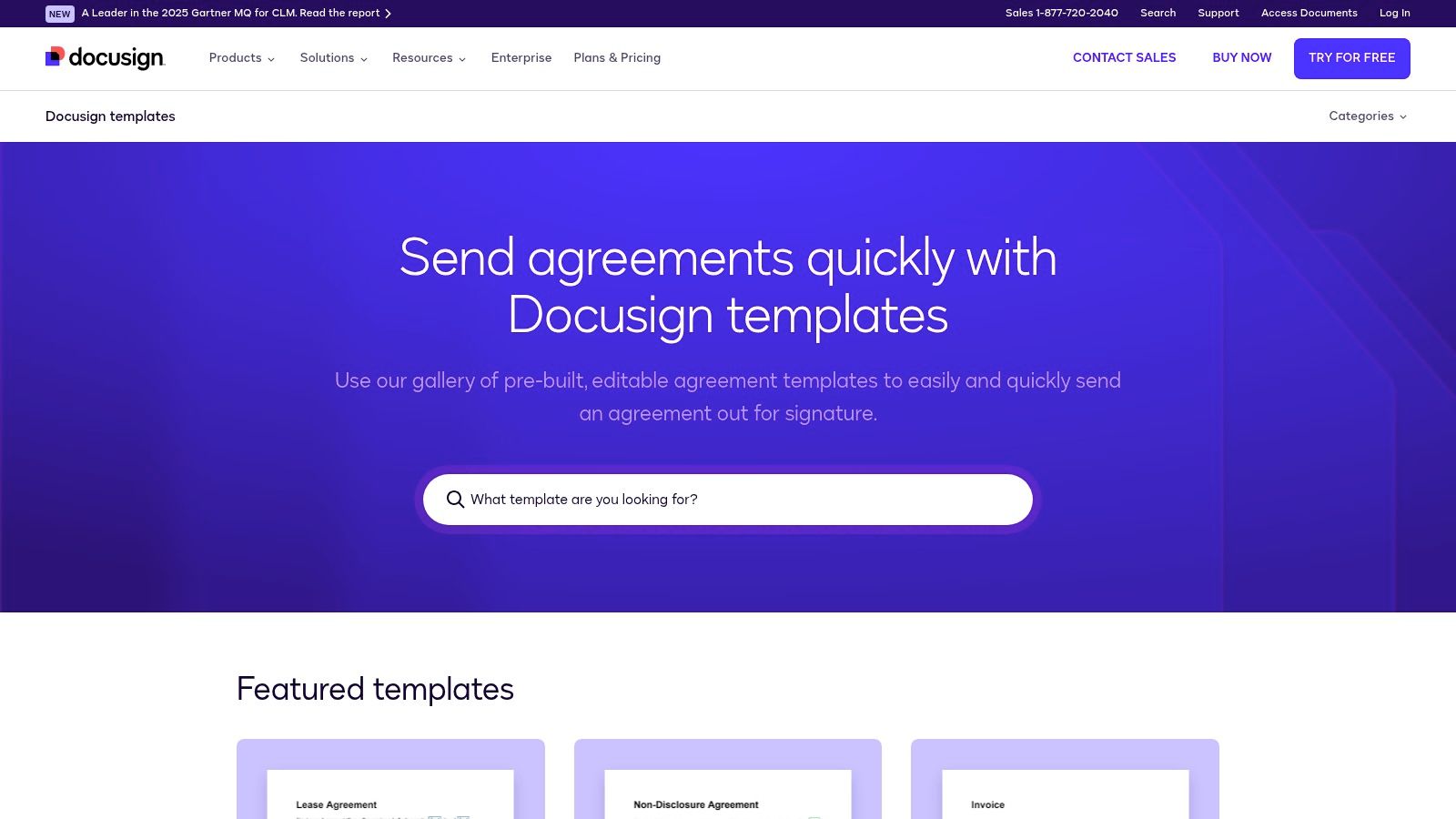
While you can preview any template for free, editing and sending documents for signature requires a DocuSign account. The user experience is modern and intuitive, allowing you to easily place signature fields, set signing orders, and track the entire process with a detailed audit trail. This makes it a strong choice for businesses that need not just a template, but an end-to-end, enforceable signing solution. The templates are well-drafted, providing a solid foundation for your agreements. You can find out more about how to manage contract templates and signing workflows for your business.
Key Features and Considerations
- Integrated Signing: Templates are designed to work seamlessly within the DocuSign eSignature ecosystem, ensuring a professional experience for all parties.
- Audit Trails: Every action is tracked, from viewing to signing, providing a robust, court-admissible record of the agreement's lifecycle.
- Access Requirements: A DocuSign account (free trial or paid plan) is necessary to customize and use the templates.
- Selection: The library is high-quality but curated, so you may not find highly specialized or niche industry contracts.
Website: DocuSign Template Gallery
2. PandaDoc Free Contract Templates
PandaDoc is renowned for its sales document automation, and its extensive template library is a core part of that strength. The platform offers a massive collection of business contract templates, from NDAs and service agreements to industry-specific documents for marketing or SaaS. Its key advantage is the seamless transition from a simple template to a fully interactive document within its powerful, user-friendly editor, complete with integrated e-signature capabilities.
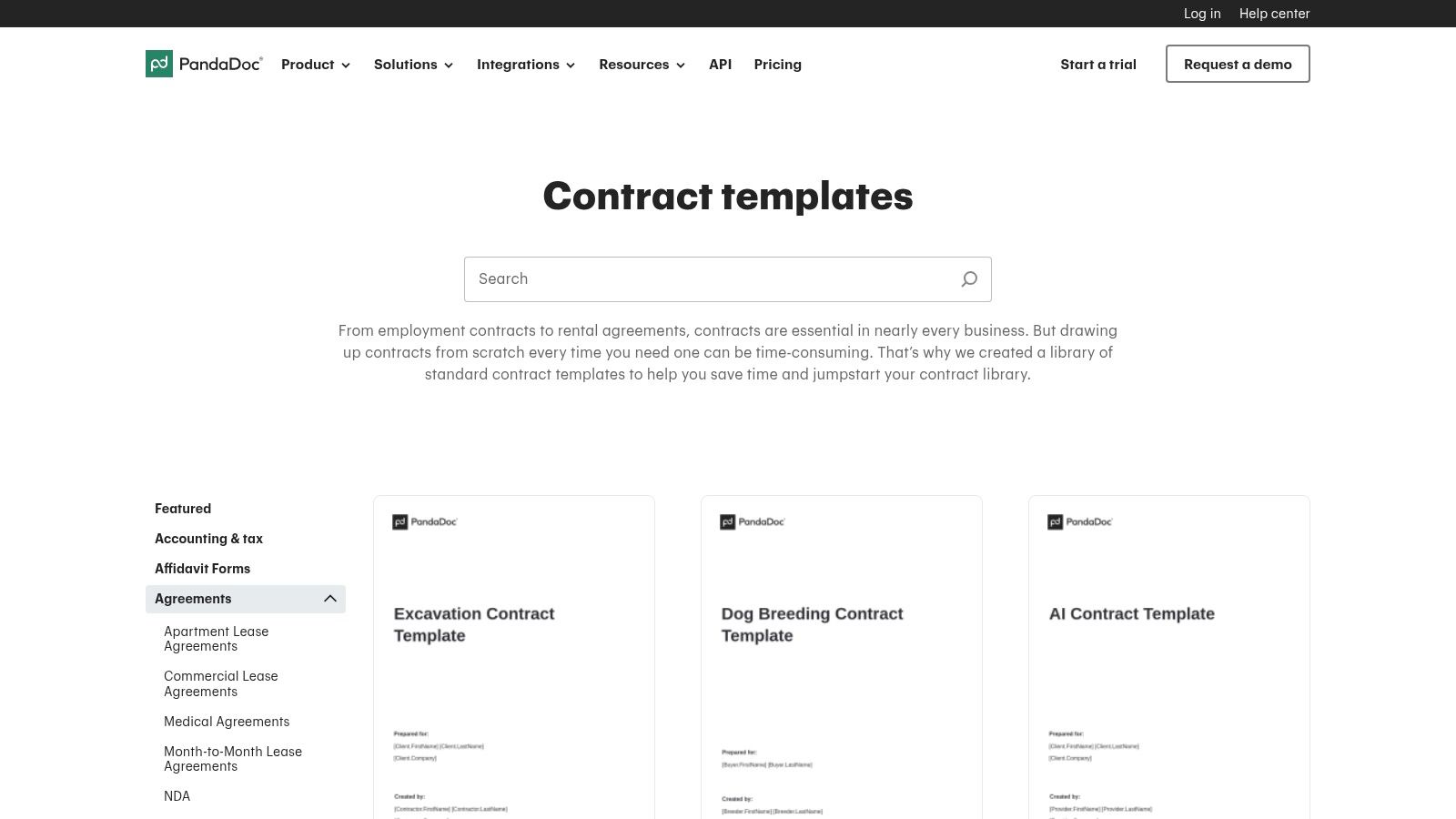
Many templates can be previewed and downloaded as PDFs for free, but the real power is unlocked when using PandaDoc’s platform. You can customize documents with variables, assign roles, and send them for signing directly, creating a fluid workflow from creation to completion. While some templates are more focused on sales proposals than deep legal nuances, they provide an excellent starting point for businesses looking to streamline their document processes. You can learn more about managing your business contract workflows to ensure efficiency and compliance.
Key Features and Considerations
- Vast Library: Offers one of the largest selections of templates, categorized by department and industry for easy browsing.
- In-App Editor: Templates can be customized with dynamic fields, variables, and branding directly within the PandaDoc ecosystem.
- Access Requirements: Viewing and downloading are free, but customizing, sending, and using e-signatures require a PandaDoc account (free or paid).
- Sales Focus: While legally sound, many templates are optimized for sales and proposals, which may require legal review for more complex agreements.
Website: PandaDoc Free Contract Templates
3. Jotform Contract Templates
Jotform takes a unique, form-centric approach to contracts, offering over 200 business contract templates that can be instantly converted into mobile-friendly, signable online forms. This platform excels at speed and accessibility, allowing users to quickly deploy agreements for consulting, marketing, rentals, and more without extensive legal or technical knowledge. Its core strength is turning a static document into an interactive, easy-to-complete form.
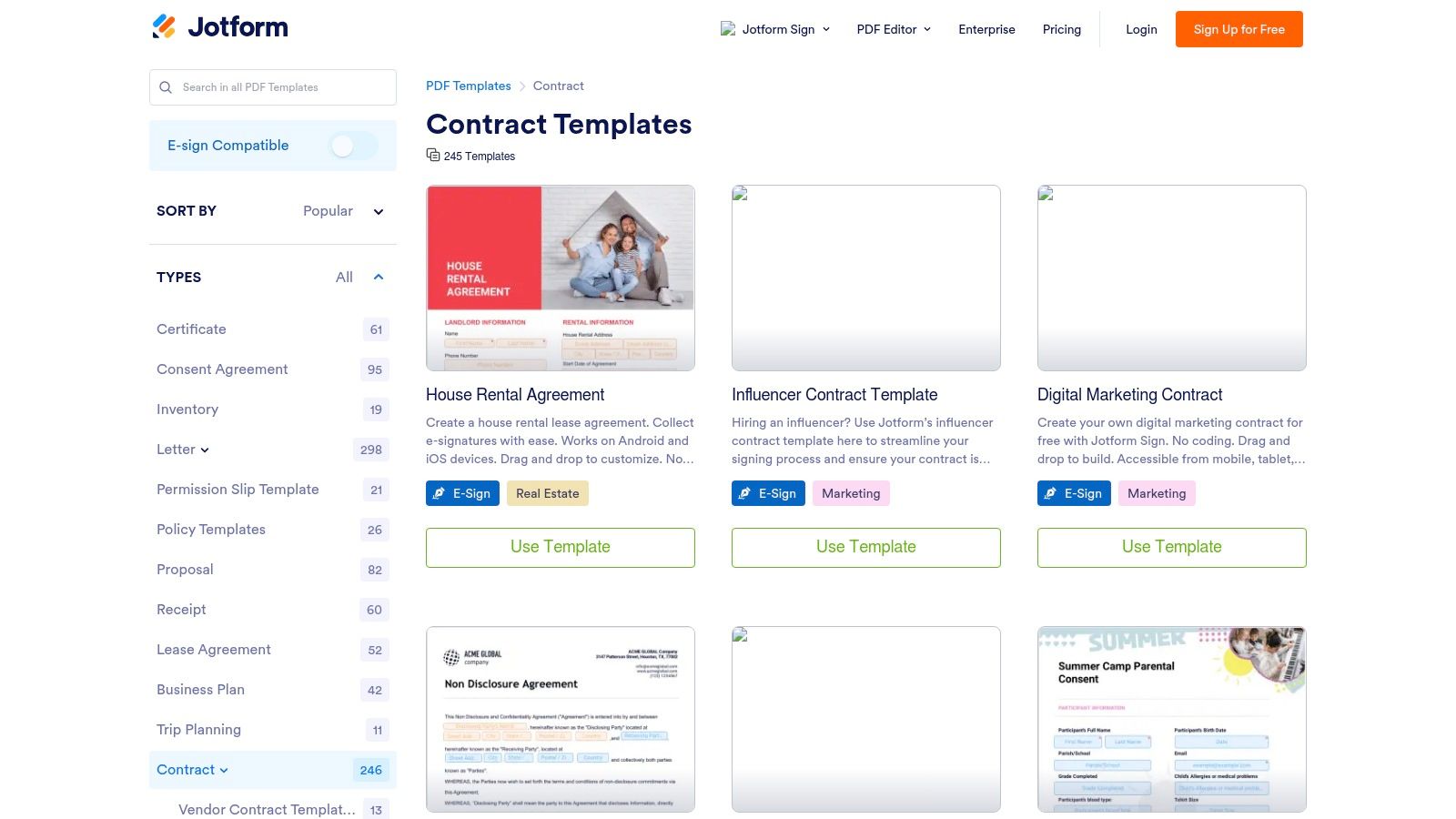
The user experience is built around a drag-and-drop editor, making customization intuitive and fast. You can add fields, change text, and integrate Jotform Sign for e-signature collection directly within the form builder. This method is highly effective for simple, high-volume agreements where collecting information and a signature in one step is the priority. For those accustomed to form-based workflows, you can explore how to add a digital signature to Google Forms to understand similar processes. While excellent for straightforward contracts, this form-based structure might feel restrictive for complex agreements requiring heavy legal redlining.
Key Features and Considerations
- Extensive Template Library: A vast collection of over 200 templates covering a wide range of common business needs.
- Form-Based Workflow: Ideal for collecting data and signatures simultaneously in a user-friendly, mobile-responsive format.
- Access Requirements: A free Jotform account is required to customize and share the templates, with paid tiers for higher usage limits and advanced features.
- Customization Limits: The form-oriented design may not be suitable for heavily negotiated contracts that deviate significantly from the initial template structure.
Website: Jotform Contract Templates
4. Rocket Lawyer
Rocket Lawyer operates as a full-service online legal platform, differentiating itself by offering an interactive, questionnaire-driven process to build agreements. Instead of just providing a static file, the platform guides you through a series of questions to generate customized business contract templates tailored to your specific needs, from Independent Contractor Agreements to NDAs. Its core advantage is blending attorney-vetted templates with the option for direct legal support.
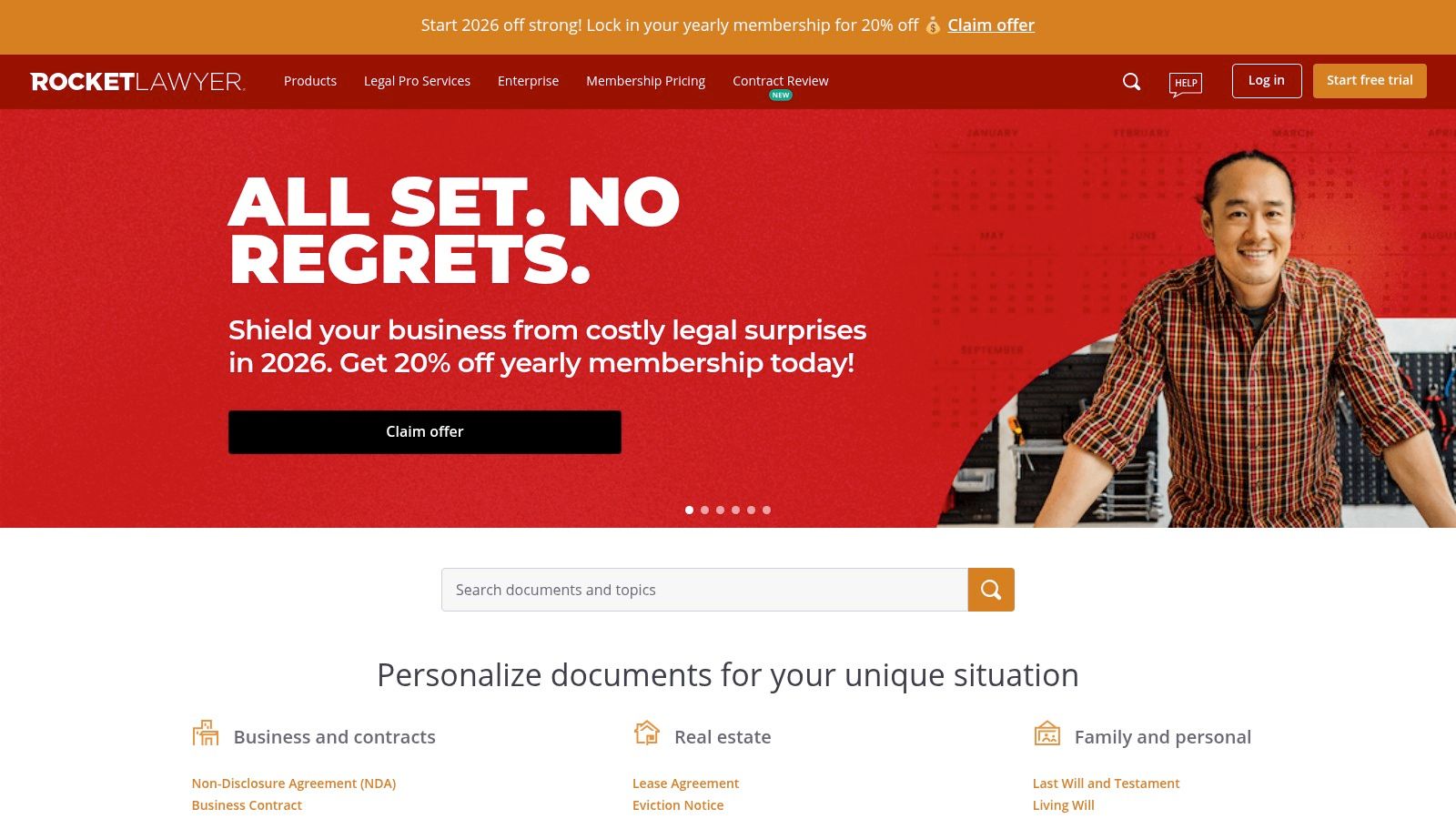
This step-by-step guidance makes complex legal documents more accessible for business owners without a legal background. After creating your document, you can sign it electronically using their integrated RocketSign feature. While a free trial offers a great entry point, ongoing access to the full suite of features, including unlimited document creation and attorney consultations, requires a paid membership. This makes it ideal for businesses that anticipate needing ongoing legal document support rather than just a one-off template.
Key Features and Considerations
- Questionnaire-Driven Builder: Contracts are assembled dynamically based on your answers, helping ensure relevant clauses are included.
- Attorney-Vetted Templates: All documents are prepared and reviewed by legal professionals, providing a strong foundation of reliability and compliance.
- Integrated E-Signature: Use RocketSign to finalize your agreements directly on the platform, creating a seamless workflow from creation to execution.
- Access Requirements: A free trial is available, but most features and unlimited access are locked behind a monthly subscription.
- On-Demand Legal Help: Members can ask attorneys questions or get document reviews, a unique feature among template providers.
Website: Rocket Lawyer
5. LawDepot
LawDepot stands out for its unique, interview-style approach to document creation. Instead of presenting a static file, the platform guides you through a series of questions about your agreement. Based on your answers, it dynamically assembles one of its many business contract templates, such as service agreements, consulting contracts, or NDAs. This method is particularly helpful for beginners who might be unsure which clauses are necessary for their specific situation.
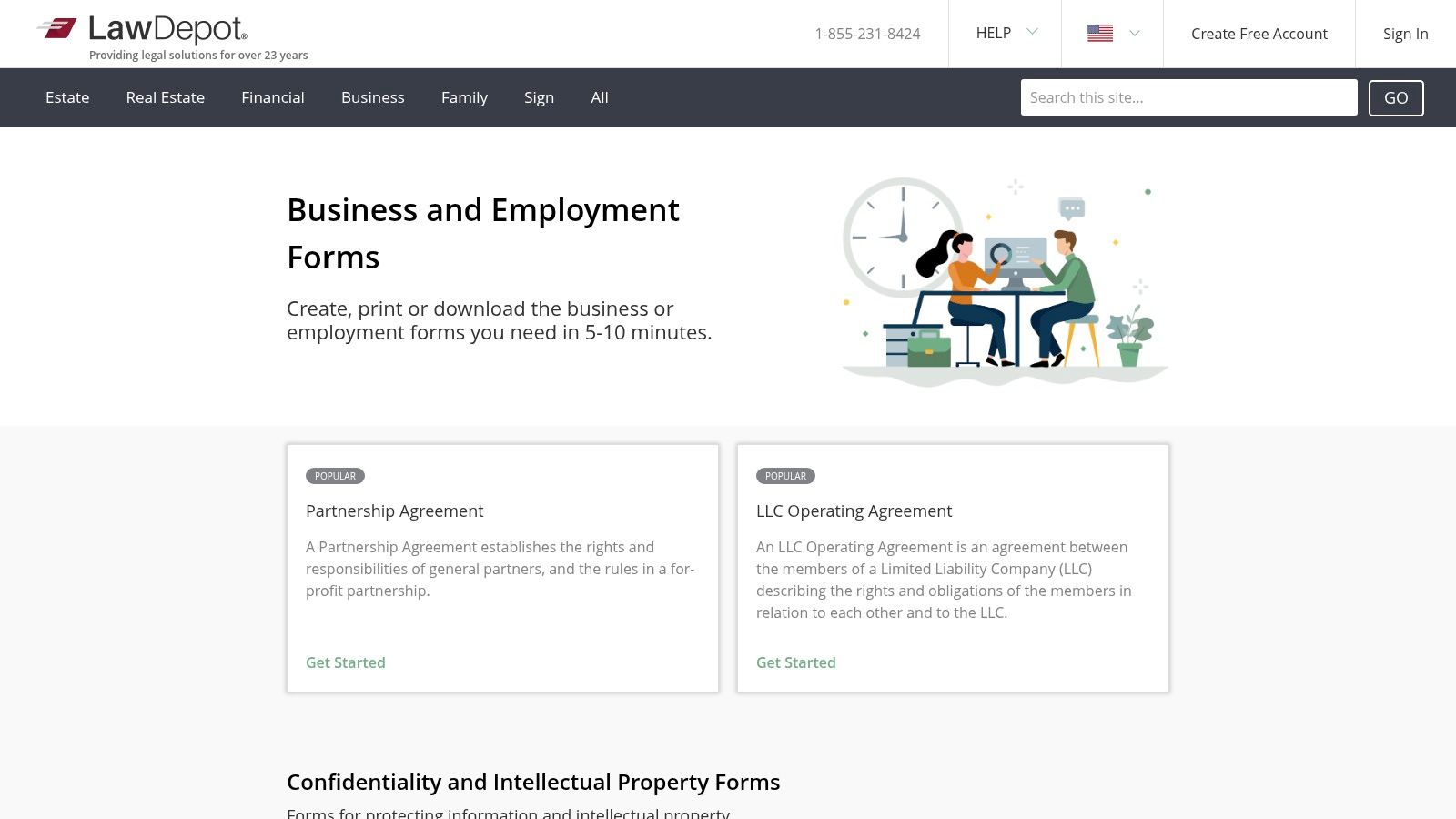
This guided process results in a more customized and relevant document than a generic, one-size-fits-all template. Once you complete the questionnaire, you can preview and download the finished contract in PDF or Word format for further editing or to upload for signing. While LawDepot offers a free trial to create and download your initial documents, full access to its extensive library and features requires a subscription or a per-document fee. This makes it an excellent choice for generating a well-structured initial draft before using a dedicated signing tool.
Key Features and Considerations
- Guided Questionnaires: An interview-style process helps you build a contract tailored to your needs, which is ideal for those without legal expertise.
- Multiple Download Formats: You can export your final document as a Word file for easy editing or as a PDF to prepare it for signing.
- Access Requirements: Creating and downloading your first document is often possible with a free trial, but ongoing access requires a paid subscription or one-time purchase.
- Broad Selection: The platform covers an extensive range of business, personal, and real estate legal documents, far beyond typical contract needs.
Website: LawDepot
6. LegalZoom Forms & eSign (Templates Library)
LegalZoom is a well-known brand in the online legal services industry, and its template library extends this reputation to business documents. While not a source for entirely free business contract templates, it offers a comprehensive collection of over 250 forms, with more than 150 drafted by attorneys. Its key value proposition is combining these templates with a simple web editor, integrated e-signature capabilities, and the backing of a recognized legal brand.
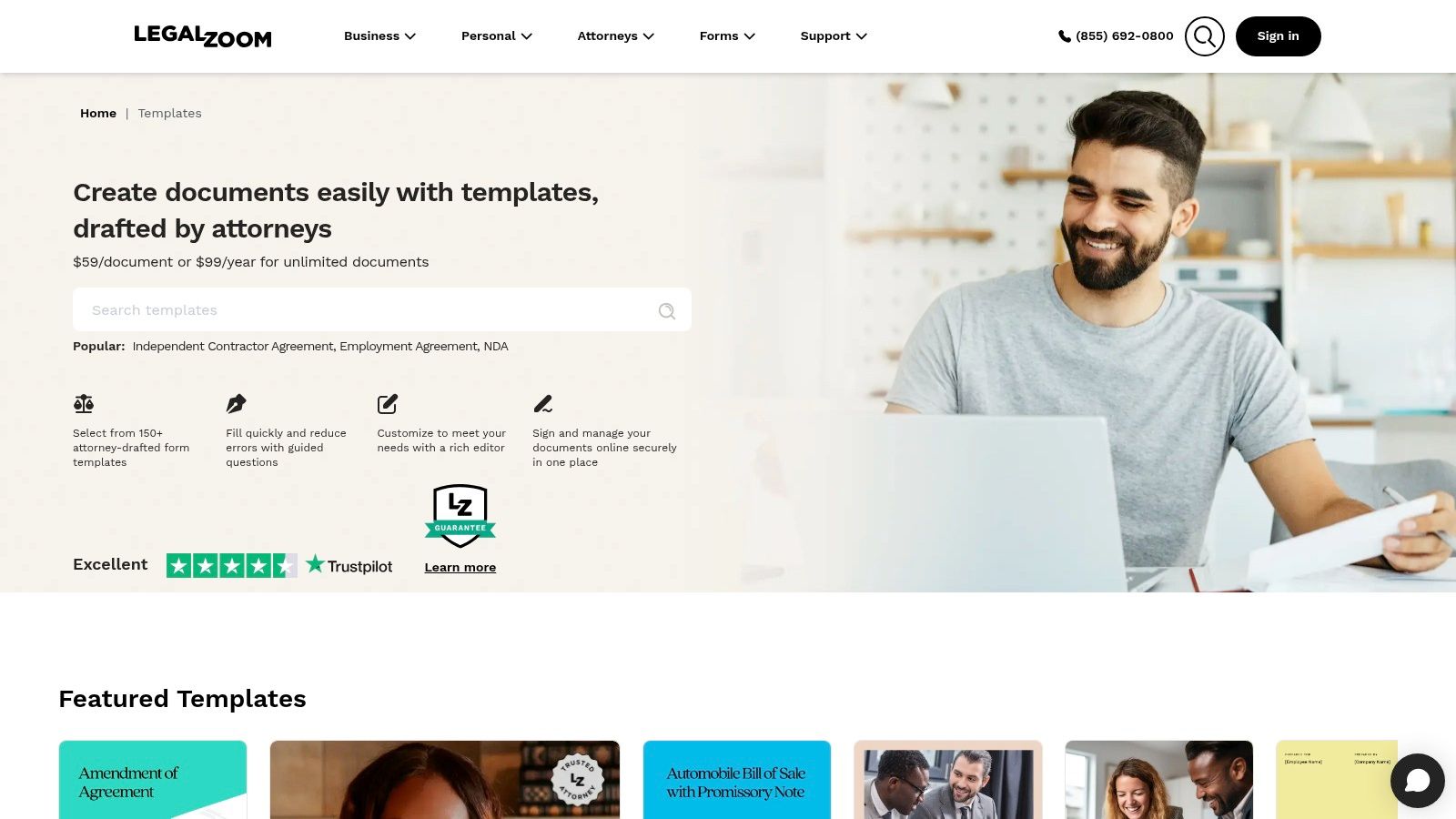
The platform is designed for businesses that want more than just a template; they want a guided experience. Users can purchase single documents or subscribe for unlimited access, making it flexible for different needs. The editor allows for customization, and the built-in e-signature function includes tracking and storage. This makes LegalZoom a strong contender for companies that may also need LegalZoom's other services, like business formation or legal advice, creating a one-stop-shop experience for their legal needs.
Key Features and Considerations
- Attorney-Drafted Forms: A significant portion of the library is created by legal professionals, providing a higher level of trust and quality.
- Integrated Services: The templates exist within a broader ecosystem of legal services, offering a clear path for users who need additional legal help.
- Access Requirements: Access is paywalled. You must purchase a single document or an annual plan to customize and use the templates.
- State-Specific Nuances: While the templates are robust, businesses in states with unique regulations may still require review from local counsel to ensure full compliance.
Website: LegalZoom Forms & eSign (Templates Library)
7. US Legal Forms
US Legal Forms boasts one of the most extensive digital libraries available, with over 85,000 legal and business forms. Its key differentiator is the emphasis on state-specific compliance, offering variations of common business contract templates like NDAs, employment agreements, and vendor contracts tailored to the laws of different states. This makes it an invaluable resource for businesses operating across multiple jurisdictions.
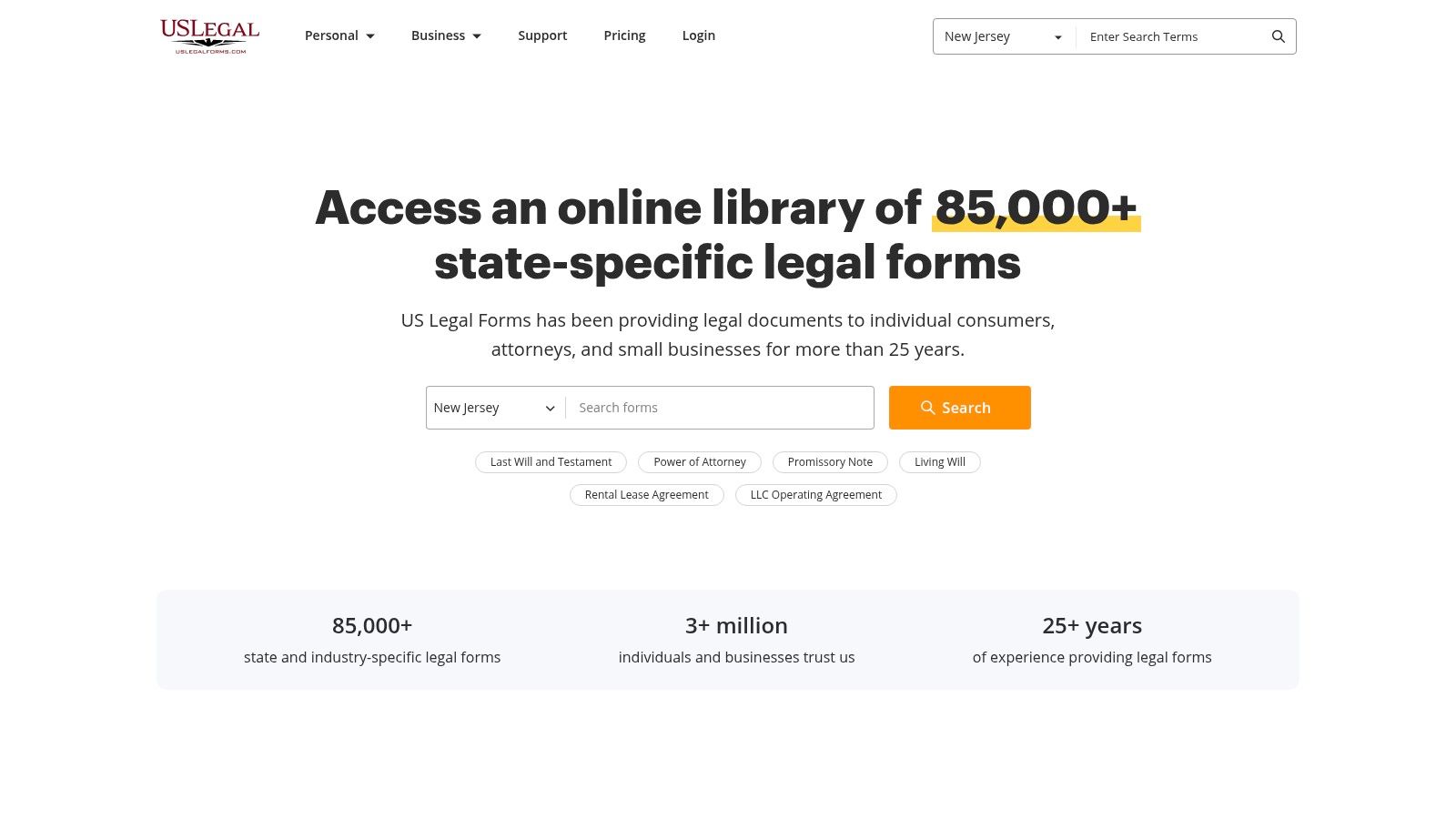
While many forms can be previewed, downloading and editing them typically requires a purchase or subscription. The platform offers downloads in familiar formats like Word and PDF, which can then be easily uploaded into a digital signing solution. The user interface clearly guides you toward its subscription plans, which are cost-effective for users who need a high volume of documents. However, for those needing just a single template, it provides a solid, legally-vetted starting point.
Key Features and Considerations
- Massive State-Specific Catalog: With over 85,000 forms, the library's main strength is its sheer volume and focus on state-level legal nuances.
- Flexible Download Formats: Templates are available in Word and PDF, making them easy to customize offline before managing the signing process.
- Access Requirements: Accessing editable files and advanced features like e-signatures requires a premium subscription, though individual forms can often be purchased.
- Legal Review Recommended: Due to the complexity and variability of laws, the forms are best used as a strong starting point and should be reviewed by legal counsel.
Website: US Legal Forms
8. Clio Free Legal Templates
Clio is a prominent name in legal practice management software, and its library of templates reflects its deep roots in the legal industry. The platform offers a well-organized collection of business contract templates as downloadable Microsoft Word files, covering core areas like retainer agreements, settlement agreements, and NDAs. Its unique strength is its lawyer-centric design, providing documents that are drafted with a keen understanding of legal practice and compliance.
While anyone can download the Word templates at no cost, the platform’s full potential is unlocked for legal professionals using its paid software. For small businesses, these templates serve as an excellent starting point, though they may require simplification to remove legal-specific jargon. Once customized, you can easily upload these documents into a secure signing platform to manage the agreement workflow efficiently. The templates are high-quality, providing a solid, professionally-vetted foundation for crucial business agreements.
Key Features and Considerations
- Lawyer-Oriented: Templates are created for legal professionals and organized by practice area, ensuring a high degree of legal precision.
- Zero-Cost Downloads: All templates are available as MS Word documents for free, without requiring an account or subscription.
- Automation Potential: Users of the paid Clio platform can integrate these templates into automated document creation and management workflows.
- Adaptation Needed: The legal-centric language may be overly complex for standard business use cases and often requires simplification for non-lawyer signatories.
Website: Clio Free Legal Templates
9. Nolo Free Forms Library
Nolo has been a trusted publisher of do-it-yourself legal guides for decades, and its online library extends this legacy into the digital space. Known for its plain-English explanations, Nolo offers a selection of business contract templates designed for non-lawyers. The platform excels at providing context, with helpful guidance and notes accompanying many of its forms, making complex legal documents more accessible for entrepreneurs and small business owners.
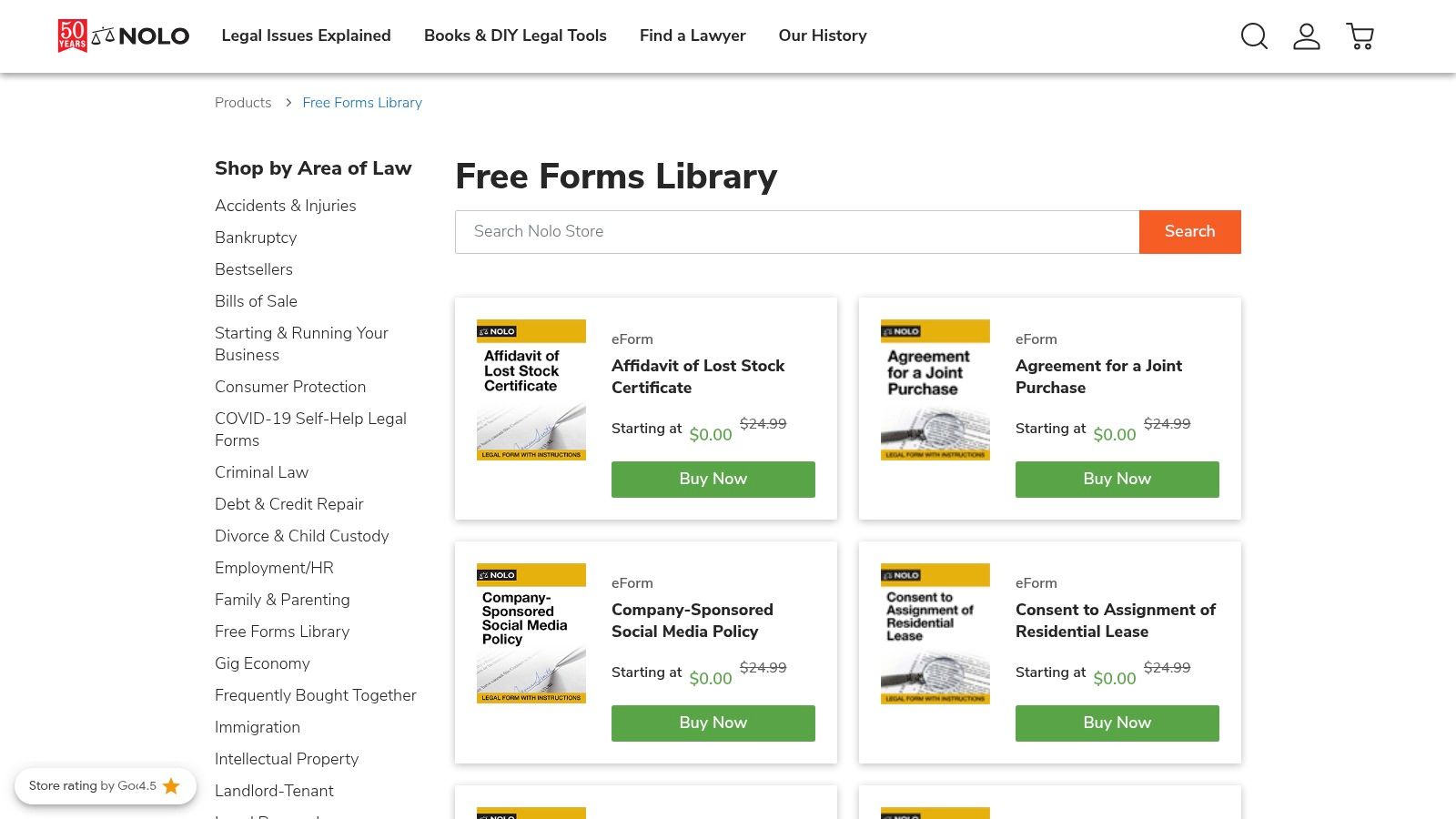
While Nolo offers some forms for free, its primary model is a mix of free and paid resources, with many specialized documents requiring a purchase or subscription. The user experience involves creating an account to save and edit forms online before downloading. This approach is beneficial for those who need to customize a contract with clear, step-by-step instructions. Its strength lies in educating the user, making it a valuable resource for understanding the "why" behind contract clauses, not just the "what."
Key Features and Considerations
- Explanatory Guidance: Many templates come with helpful notes and articles that explain legal terms and clauses in simple language.
- Trusted Source: Nolo is a long-standing and reputable name in the consumer and small business legal field.
- Access Requirements: The free library is limited, and many advanced or specific forms are behind a paywall. An account is required to access even the free items.
- Consumer Focus: While business forms are available, some of the content leans more toward personal or consumer legal matters rather than complex B2B agreements.
Website: Nolo Free Forms Library
10. Template.net (Business/Legal Agreements)
Template.net offers a vast and design-forward library of both free and paid business agreements. Its main advantage is providing business contract templates in multiple, immediately editable formats like Word, Google Docs, and Apple Pages. This makes it an excellent resource for businesses that need a visually appealing and brandable document, such as a contractor agreement or employee confidentiality form, without starting from scratch.
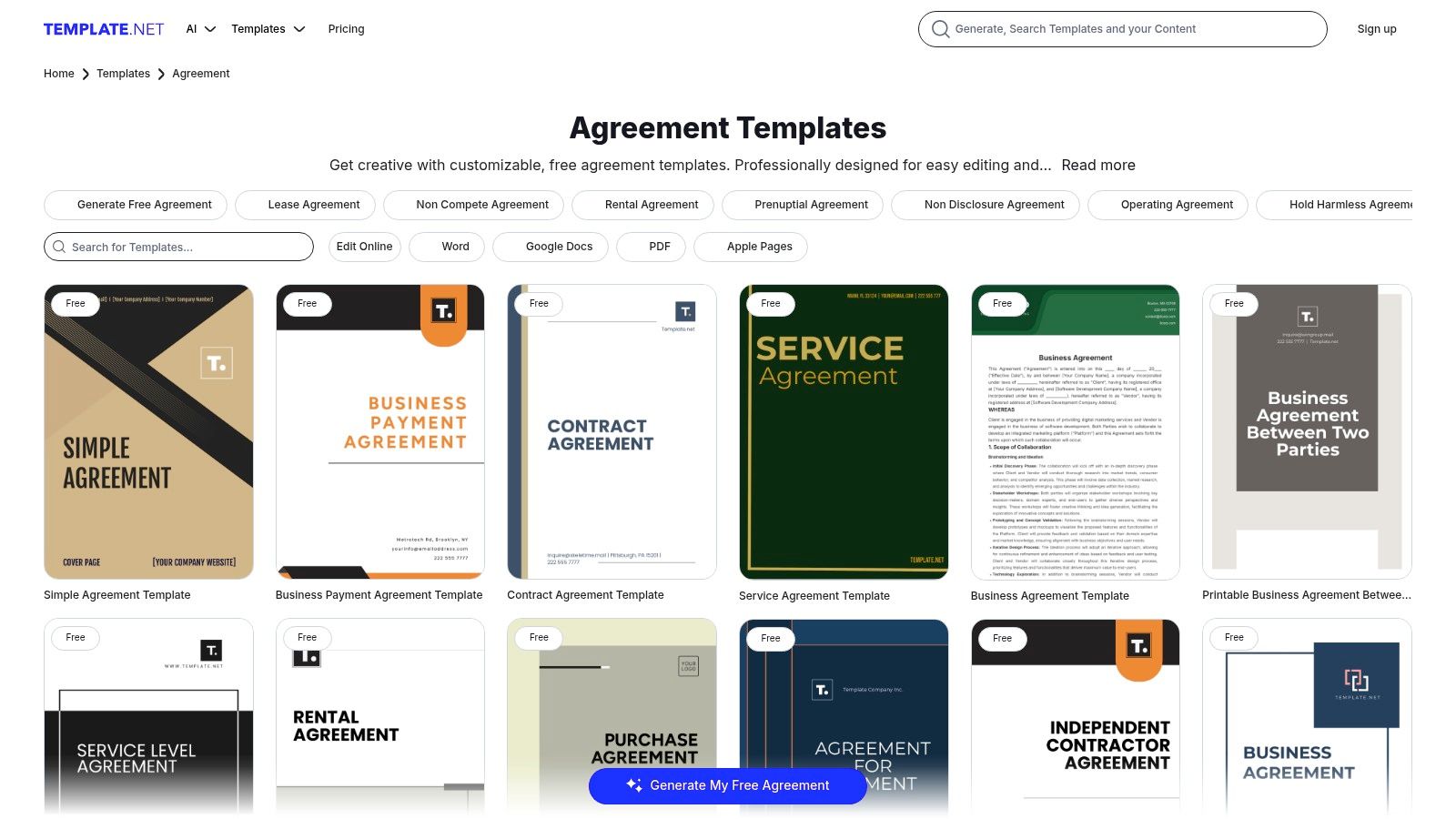
The user experience is straightforward, allowing for quick downloads and edits. However, while the templates are plentiful, their legal precision can vary as they are not explicitly attorney-reviewed. The platform is best used as a starting point for common agreements, which should then be reviewed for legal soundness. Users should also be aware of the persistent upsells for premium templates and subscription plans, though many useful documents are genuinely free to download and use.
Key Features and Considerations
- Multi-Format Downloads: Instantly download templates as DOCX, Google Docs, Pages, or PDF files, offering maximum flexibility for editing.
- Design-Forward Layouts: Many templates feature professional, brandable designs that go beyond standard black-and-white text documents.
- Legal Scrutiny Required: The templates provide a solid structure, but they are not guaranteed to be legally vetted and should be reviewed by a professional.
- Upsell Model: Accessing the full library and more advanced templates requires a premium subscription, with frequent prompts to upgrade.
Website: Template.net Business Agreements
11. Dropbox (FormSwift) Templates
Following its acquisition of FormSwift, Dropbox has integrated a vast library of legal and business documents directly into its ecosystem. This provides users with a wide range of ready-to-fill business contract templates, including service agreements, NDAs, and even tax forms. The platform's key advantage is its beginner-friendly, step-by-step document builder that guides users through the creation process, making it highly accessible for those without legal expertise.
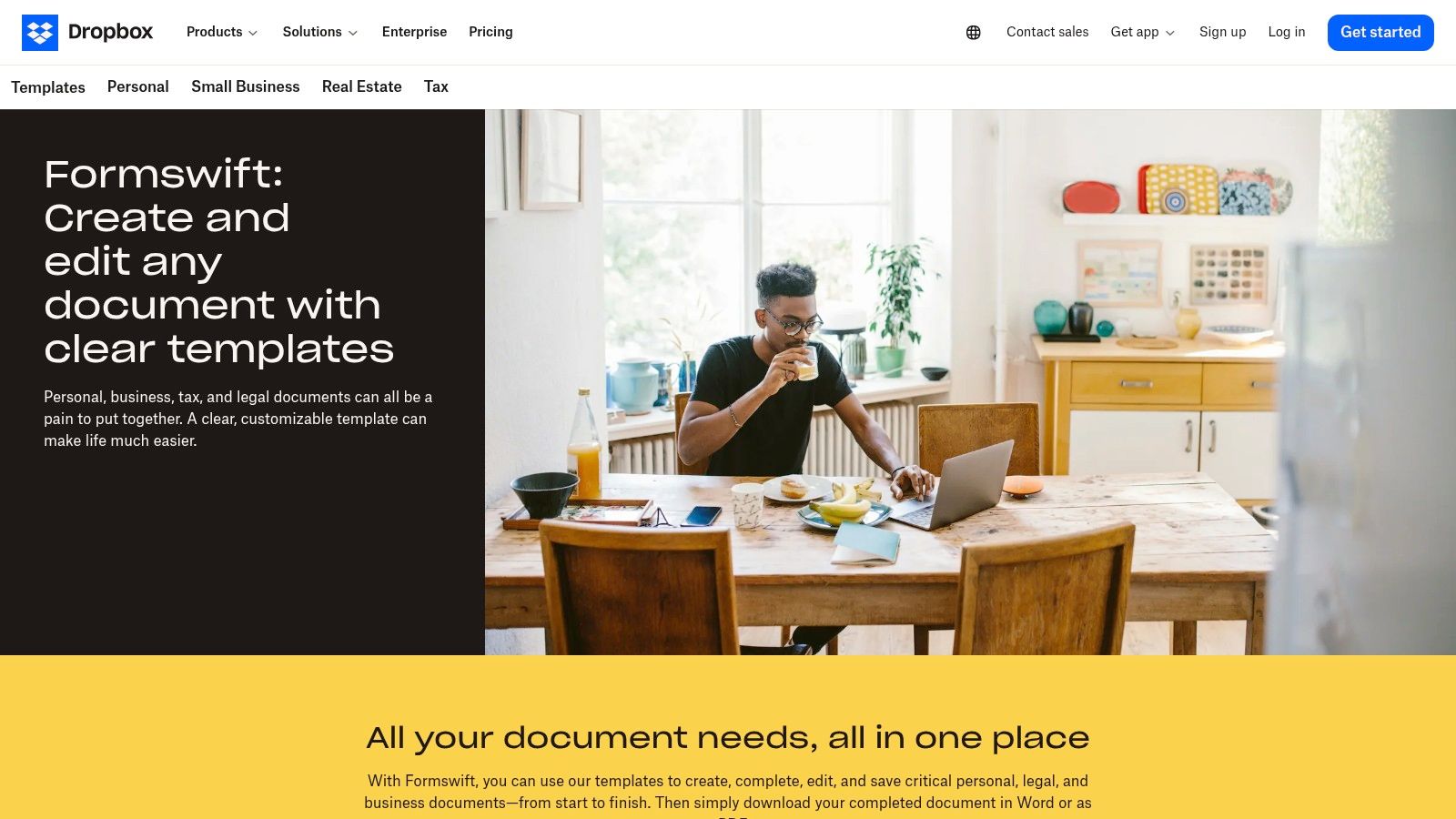
The user experience is clean and straightforward, allowing you to quickly find a template, fill in the blanks using a simple online editor, and then download, share, or send it for an e-signature. The native integration with Dropbox storage is a major plus for existing users, as it streamlines the entire document lifecycle from creation to secure storage. While many templates are free to preview and build, advanced features like unlimited editing, e-signing, and storage require a paid subscription, making it a "freemium" model. The templates offer a great starting point, but a legal professional should review them for complex or high-stakes agreements.
Key Features and Considerations
- Step-by-Step Builder: An intuitive questionnaire-style editor simplifies the process of customizing contracts, even for complex documents.
- Dropbox Integration: Seamlessly save, organize, and share your completed contracts within your Dropbox account, keeping all your files in one place.
- Access Requirements: While you can create documents for free, downloading the final version without a watermark and accessing e-signature tools requires a paid plan.
- Broad Selection: The library is extensive, covering many business, legal, and personal document types beyond just standard contracts.
Website: Dropbox Templates
12. U.S. Small Business Administration (SBA) – Sample Agreements
For businesses engaged in or aspiring to federal contracting, the U.S. Small Business Administration (SBA) offers a unique and authoritative resource. Unlike general template libraries, the SBA provides official sample agreements tailored specifically to government programs, such as its Mentor-Protégé agreement. These aren't just templates; they are government-issued documents that serve as critical benchmarks for structure, compliance, and language in the federal sector.
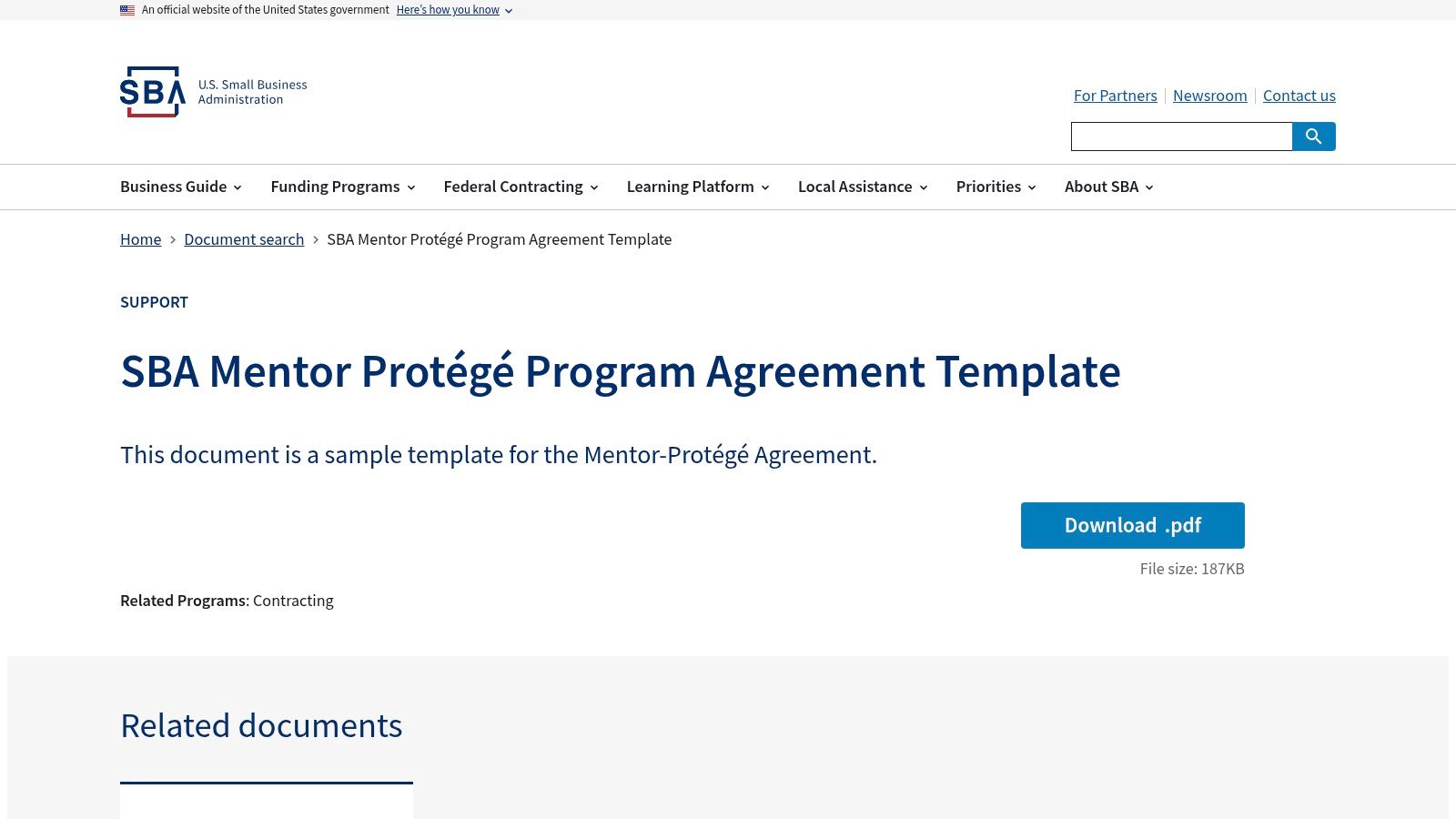
The primary value of these business contract templates lies in their authenticity and direct applicability to U.S. government contracting rules. They provide a trusted foundation that ensures you meet specific federal requirements from the outset. Downloading is straightforward with no account needed, making access quick and easy. While their scope is narrow and focused on federal programs, these documents are invaluable for any small business navigating the complexities of government partnerships, ensuring your agreements are structured correctly for compliance.
Key Features and Considerations
- Government-Issued: Templates come directly from the SBA, offering the highest level of authority for specific federal contracting scenarios.
- Compliance Benchmark: Excellent for understanding the required clauses and structure for agreements within programs like the Mentor-Protégé Program.
- Narrow Scope: The library is not for general, everyday business use (like service or sales agreements) but is highly specialized for government contracting.
- Free and Direct Access: All sample agreements are available for immediate download without requiring registration or payment.
Website: U.S. Small Business Administration (SBA) – Sample Agreements
Top 12 Business Contract Template Sources
| Service | Core features | UX / Trust ★ | Value & Pricing 💰 | Target audience 👥 | Standout / Unique ✨🏆 |
|---|---|---|---|---|---|
| DocuSign Template Gallery | Curated templates, in‑browser edit, routing + integrated e‑sign & audit trail | ★★★★★ | Preview free; sending/editing needs account; paid plans | Enterprises, regulated teams | Best integrated signing + compliance 🏆 |
| PandaDoc Free Contract Templates | Hundreds of business templates, in‑app editor, variables, e‑sign & integrations | ★★★★☆ | Many free downloads; advanced automation on paid tiers 💰 | Sales, ops teams & SMBs | Proposal & sales workflow focus ✨ |
| Jotform Contract Templates | 200+ customizable templates, drag‑drop, mobile forms, Jotform Sign | ★★★★ | Free to start; paid for higher limits 💰 | Small teams, mobile-first signers | Form→sign workflow; very mobile‑friendly ✨ |
| Rocket Lawyer | Questionnaire builder, attorney‑vetted templates, RocketSign, legal help on demand | ★★★★ | Free trial; membership required for ongoing access 💰 | U.S. SMBs needing legal support | Attorney access + guided drafting 🏆✨ |
| LawDepot | Guided interviews, clause selection, Word/PDF downloads | ★★★ | Trial then subscription or one‑off purchases 💰 | DIY business & personal users | Wide, varied template range; beginner‑friendly ✨ |
| LegalZoom Forms & eSign | 250+ templates (150+ attorney‑drafted), web editor, e‑sign & storage | ★★★★ | Paywalled; single doc or annual unlimited options 💰 | Businesses seeking brand-name legal services | Recognized legal brand + filing services ✨ |
| US Legal Forms | 85,000+ state‑specific forms, Word/PDF downloads, state variations | ★★★ | Cost‑effective for heavy users; premium e‑sign add‑on 💰 | Frequent form users; state‑specific needs 👥 | Massive, state‑tailored library ✨ |
| Clio Free Legal Templates | Free Word templates, organized by practice & jurisdiction, Clio Draft automation | ★★★★ | Free downloads; automation add‑ons paid 💰 | Law firms & legal professionals 👥 | Law‑firm workflow automation integration 🏆 |
| Nolo Free Forms Library | Mix of free/paid e‑forms with plain‑English guidance & online editing | ★★★ | Limited free; many paid forms/subscription 💰 | Non‑lawyers wanting clear guidance 👥 | Consumer‑friendly legal publisher ✨ |
| Template.net (Business/Legal) | Multi‑format templates (DOCX, Google Docs, Pages, PDF), brandable layouts | ★★★ | Many free options; premium upsells 💰 | Teams needing branded, presentable contracts 👥 | Design‑forward, brandable templates ✨ |
| Dropbox (FormSwift) Templates | Step‑by‑step builder/editor, ready‑to‑fill templates, e‑sign, Dropbox integration | ★★★★ | Basic access; paid for full features & high volume 💰 | Dropbox users & beginners 👥 | Seamless Dropbox storage + simple editor ✨ |
| SBA – Sample Agreements | Government‑issued sample agreement templates, free authoritative downloads | ★★★ | Free, no account required 💰 | U.S. small businesses, federal contractors 👥 | Authoritative federal templates & compliance 🏆 |
From Template to Signed Contract: Supercharge Your Workflow with BoloSign
Navigating the landscape of business agreements can be a complex endeavor, but as this guide has demonstrated, you don’t have to start from scratch. We’ve explored a diverse collection of resources, from the extensive template libraries of PandaDoc and Jotform to the legally-vetted documents offered by Rocket Lawyer and LegalZoom. Whether you need an HR agreement, a sales contract, or a non-disclosure agreement, a solid starting point is readily available.
However, finding the right template is only the first half of the battle. The true measure of efficiency lies in what comes next: customization, distribution, tracking, and secure signing. A static Word document or PDF is a passive tool; turning it into a legally binding, executed agreement requires a dynamic and streamlined workflow. This is precisely where many small businesses, startups, and even established enterprises hit a bottleneck, getting tangled in manual processes or expensive, restrictive software.
The Bridge Between a Template and a Deal
The real power of any of these business contract templates is unlocked when you integrate them into an efficient digital signing solution. Manually adding signature lines, emailing documents back and forth, and chasing stakeholders for signatures is not just time-consuming, it’s a process fraught with potential errors and security risks. The modern business environment demands speed, security, and scalability.
This is the critical gap that BoloSign is designed to fill. Once you’ve selected and downloaded the perfect template from a source like Clio or the SBA, you can instantly upload it to your BoloSign account. From there, you transform it into a smart, reusable document. You can drag and drop signature, initial, and date fields, add custom branding to maintain a professional look, and send it out to multiple recipients for a secure, compliant eSignature in just a few clicks. With BoloSign, you can create, send, and sign PDFs, templates, and forms quickly and easily.
Actionable Steps for a Seamless Contract Workflow
To move from simply having a template to mastering your contract process, consider these actionable steps:
- Select and Customize Your Base Template: Choose a template from the resources we've covered that most closely matches your needs. Pay close attention to the clauses discussed, ensuring it protects your interests and meets industry standards.
- Upload to a Centralized Platform: Instead of saving it to a local drive, upload the customized document to BoloSign. This creates a single source of truth and allows you to establish it as a reusable template for your entire team.
- Automate the Signing Process: Add the necessary fields and use BoloSign’s workflow features to define the signing order. This ensures the document moves from one stakeholder to the next automatically, eliminating manual follow-ups.
- Integrate and Scale: Connect BoloSign with your existing tools like HubSpot, Google Drive, or Zapier. This allows you to trigger contract sends directly from your CRM when a deal reaches a certain stage or to automatically save signed agreements in your cloud storage.
This approach is vital across all sectors. A healthcare clinic can ensure HIPAA compliance for patient intake forms, a logistics company can get vendor agreements signed on the go, and a staffing agency can streamline candidate onboarding with legally binding employment contracts.
Your Strategic Advantage: Affordability and Unlimited Growth
What truly sets BoloSign apart is its commitment to transparent, predictable pricing. While many platforms penalize growth with per-user fees or document limits, BoloSign offers unlimited documents, unlimited team members, and unlimited templates for one fixed price. This model makes it up to 90% more affordable than traditional tools, allowing you to scale your operations without worrying about escalating software costs.
With robust compliance features covering ESIGN, eIDAS, and GDPR, plus AI-powered automation to accelerate document review, you are not just signing documents; you are building a smarter, more secure, and cost-effective contract management ecosystem. The journey from a simple template to a fully executed agreement doesn't have to be complicated or expensive. Empower your business with the right tools and turn a tedious administrative task into a seamless, strategic advantage.
At Closer Innovation Labs Corp., we build solutions like BoloSign to empower businesses to streamline their document workflows. Our goal is to make enterprise-grade eSignature and automation technology accessible to everyone, from startups to large corporations, by eliminating complex pricing and focusing on unlimited value. Start your free 7-day trial of BoloSign today and experience a better way to manage your agreements.

Paresh Deshmukh
Co-Founder, BoloForms
24 Dec, 2025
Take a Look at Our Featured Articles
These articles will guide you on how to simplify office work, boost your efficiency, and concentrate on expanding your business.



