
Alternative DocuSign Tools for 2026: Top 10 Compared
Looking for an alternative DocuSign? Compare top eSignature platforms by pricing, features, compliance, and integrations to find your best fit for 2026.

Tired of nonsense pricing of DocuSign?
Start taking digital signatures with BoloSign and save money.
Why should signing a routine agreement cost more every time you hire someone or send one extra envelope? That's the question behind most searches for an alternative DocuSign tool, and it's a fair one. DocuSign is capable, but for many small and mid-sized businesses it's also overkill, with per-seat and per-envelope pricing that gets harder to justify as volume grows across staffing, healthcare, real estate, logistics, education and professional services.
Paper hasn't disappeared while teams debated pricing. Quocirca's 2024 research in The Paperless Dream found that only 11% of surveyed organizations considered themselves paperless, while 75% said they were accelerating plans to digitize paper-based processes. That gap is your real cost. Every printed, scanned and manually chased contract slows onboarding, approvals and payments.
So this list doesn't rank tools by the longest feature checklist. It looks at total cost structure, whether that's per user, flat rate or envelope limited, plus signing and contract automation features, integrations, and compliance with ESIGN, eIDAS, HIPAA and GDPR. Each entry includes honest limitations, not just selling points. You'll also get a practical way to test a leading option hands-on before you commit your team to a new digital signing solution.
1. Closer Innovation Labs Corp.
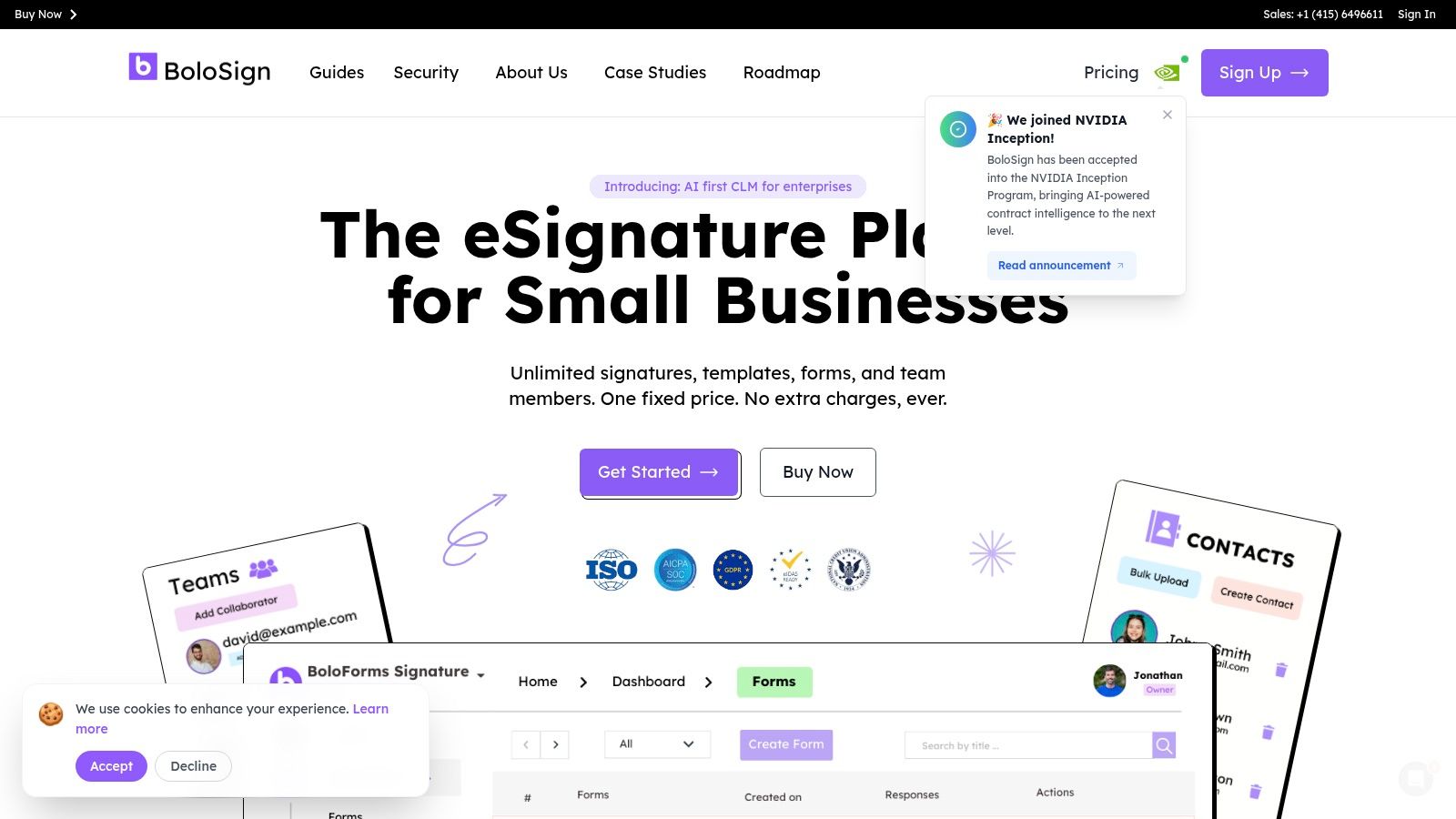
For teams weighing per-user fees against a fixed price, BoloSign from Closer Innovation Labs Corp. is an eSignature and contract management option built for small businesses, with capacity to scale to enterprise needs. Its pricing model includes unlimited signatures, templates, forms and team members, with no per-user or per-envelope charges. That structure can suit organizations with changing headcount or frequent signing, though it is still worth comparing the current plan price with your expected usage.
The signing workflow is direct: upload a PDF, place signature and date fields, enter recipient email addresses and click Send. Recipients receive a secure link and can sign on any device without creating an account or downloading an app. Requests can also go by SMS, and multiple people can sign the same document at the same time. Reusable PDF templates, real-time dashboard updates and a tamper-proof audit trail help teams manage repeat agreements and track each signer's email, timestamp, IP address and document version.
Where it fits best
- Staffing and HR: Reusable onboarding documents and multi-party signing can support offer letters and client agreements.
- Forms-first teams: Add signature fields to Google Forms workflows to collect form data and signatures without preparing a separate document for each submission.
- Operations: Customized notification emails, SMS delivery and mobile signing help keep approvals moving when recipients are away from a desk.
The platform connects with Google Drive, Google Sheets, Zapier, Make, Pabbly, HubSpot, Salesforce, Pipedrive, Slack and Microsoft Teams. Signed documents stay in the BoloSign account and can auto-save to Google Drive, Dropbox or OneDrive. Other offerings include a Document Signing API, website embedding, mobile apps, Accept Payments and a Whitelabel Partnership. Businesses can also import DocuSign templates, while AI-powered contract intelligence is supported through participation in the NVIDIA Inception Program. BoloSign states that it meets ESIGN, UETA, eIDAS, GDPR and HIPAA requirements.
Practical rule: If headcount or signing volume is unpredictable, compare flat-rate pricing with per-seat pricing over a full year, rather than basing the decision on a quiet month.
The trade-off is that a fixed-price model needs to match your actual requirements. Check current plan details before budgeting, and confirm that the platform's compliance scope covers your specific regulated use case. A free trial includes unlimited document signing, reusable templates, signing order, audit trails, mobile signing, Google Sheets integration and team collaboration, so you can test a real workflow before choosing.
2. Dropbox Sign
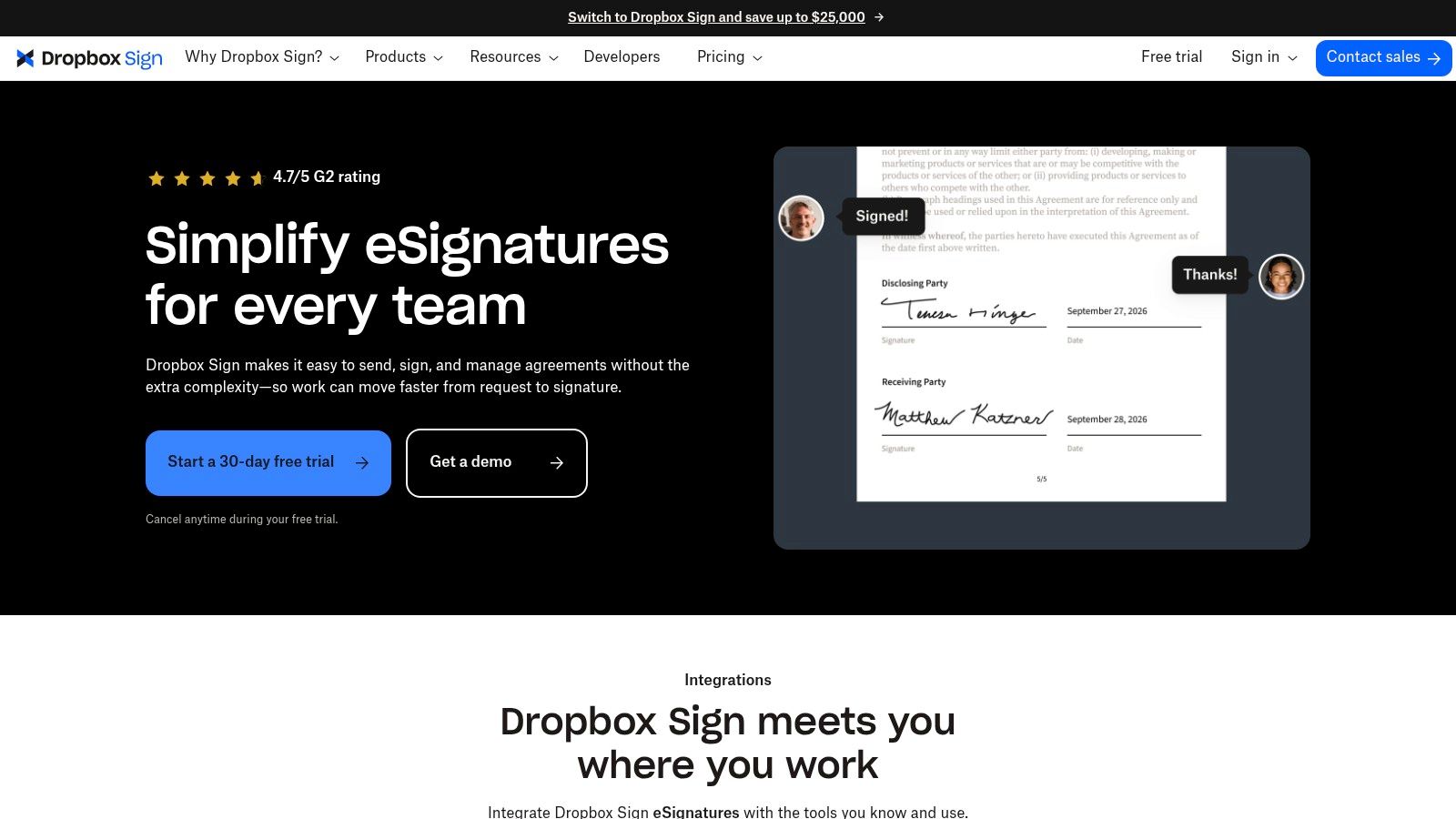
Teams that want the closest like-for-like swap often land on Dropbox Sign. It's a standalone signing service with a familiar flow. Upload a document, add signer fields, send it, and track whether it's been opened or completed. Recipients don't need an account, which keeps friction low for clients and candidates.
What you get
- Reusable templates: Configurable signer fields for repeat agreements.
- Tracking and reminders: Automatic follow-ups and time-stamped audit trails.
- Integrations: Dropbox, Google, Microsoft, Salesforce and other common business tools.
- Unlimited requests: Paid plans list unlimited signature requests.
That unlimited sending helps, but read the cost structure carefully. Standard pricing is per user, so a professional services firm that adds occasional senders across offices in the US, Canada or Australia can watch the bill climb even if each person sends rarely. Some advanced features and integrations are add-ons or sales led, and Premium pricing requires a quote.
I recommend Dropbox Sign when your files already live in Dropbox and you want a clean, familiar alternative DocuSign experience without broader contract management. If your priority is adding many team members without seat math, a flat-rate model will usually serve you better.
3. Adobe Acrobat Sign
Say your team edits PDFs all day. Contracts need redaction, pages need reorganizing, and scanned files need converting before anyone signs. That's the scenario where Adobe Acrobat Sign earns its place, because signing sits inside Adobe's broader PDF family rather than in a separate tool.
You can request signatures and track responses alongside tools to create, edit, convert and protect PDFs. Team plans include administration, some plans list bulk sending, and Acrobat Sign Solutions adds a more advanced, sales-led path for deeper integrations, authentication, workflow and compliance requirements. For a head-to-head view, see this DocuSign vs Adobe Sign comparison.
The trade-off is scope. Buyers need to distinguish basic Acrobat e-signature features from the fuller Sign Solutions offering, or they'll compare the wrong tier against rivals. A broader PDF bundle is wasted money if your real estate or logistics team only needs to send existing agreements for signature.
Choose Adobe if you're already standardized on Acrobat and PDF preparation is half the job. Skip it if you want the simplest possible sending workflow for staff who rarely touch PDF editing tools.
4. PandaDoc
PandaDoc answers a different problem. Your sales team doesn't just sign documents, it builds them. Proposals, quotes and contracts are assembled, sent, tracked and signed in one place through PandaDoc, with a drag-and-drop editor and reusable content blocks.
Paid plans add CRM integrations, branding, approval workflows and web forms, while the Business tier adds sales tools such as deal rooms. Real-time tracking tells account teams when a prospect opens a proposal, which is useful for follow-up timing. A focused breakdown is available in this DocuSign vs PandaDoc comparison.
Cost is where you need discipline. A free eSign plan exists but it's limited to five documents per month, so it's a trial in practice, not an operating plan. Paid Starter includes unlimited document uploads and e-signatures, yet per-seat pricing adds up as more reps, managers and operations staff need access.
A proposal builder only pays for itself if your team actually creates customer-facing documents in it every week.
I recommend PandaDoc for sales-led professional services teams that will use the editor daily. If you mostly send fixed PDFs, like staffing agreements or school consent forms, you're paying for document creation you'll rarely open.
5. signNow
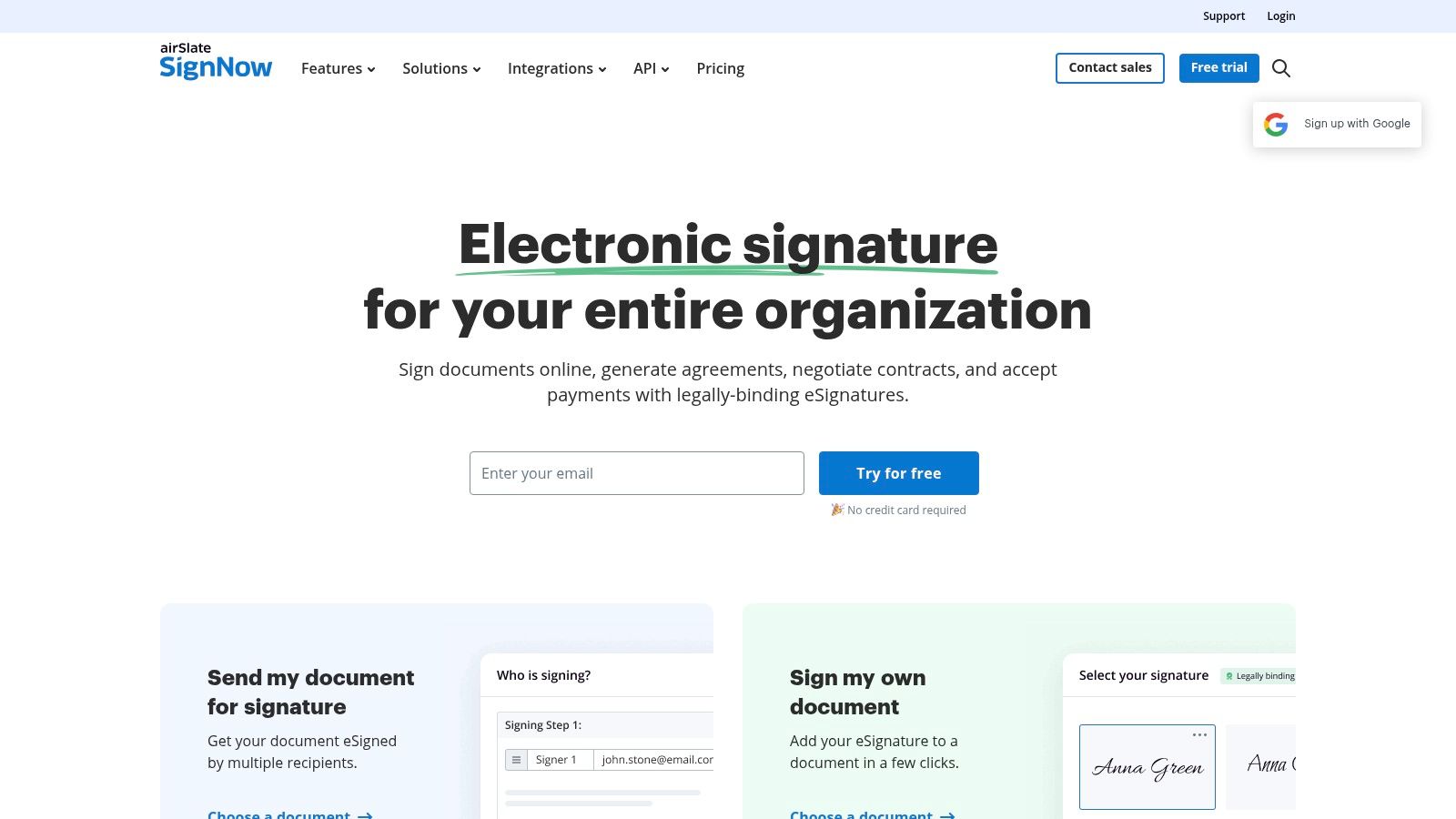
What if neither per-seat nor flat-rate pricing fits cleanly? signNow is worth a look because it offers both per-user packages and an invite-based Site License with unlimited users. That flexibility suits organizations where many people occasionally send, but total volume stays moderate.
Core features cover the essentials well. You get electronic signatures, reusable templates, team workflows, a web app and API options for building signing into your own software. A seven-day trial is noted in its pricing information, so you can test real documents before buying.
Check before you commit
- Invite allowances: Compare included invites against the advertised monthly price.
- Site License math: It's invite based rather than a flat unlimited-signing subscription.
- Enterprise tier: Pricing requires contacting sales, which slows comparison.
For logistics firms sending vendor agreements and delivery confirmations from several sites, unlimited users can beat seat pricing. But if a busy month pushes invite volume up, your effective cost changes with it. Model your busiest quarter, not your average one, and confirm overage terms in writing before rollout.
6. Zoho Sign
Zoho Sign makes the most sense inside the Zoho ecosystem. If your CRM, HR and recruiting already run on Zoho, Zoho Sign keeps signing close to those records instead of forcing staff to move files between systems. It also connects with common cloud storage services.
The tier structure rewards careful reading. There's a free single-user plan, multiple paid tiers, and Professional removes the listed envelope cap with unlimited envelopes and templates. Enterprise adds bulk sending, SignForms, in-person signing and additional controls for larger teams.
The catch sits in the limits below Professional. Standard is limited to 25 envelopes per user per month, which a busy staffing agency or training provider can burn through quickly during intake periods. Automations and third-party integrations may also consume credits, so your true cost depends on how you connect the tool, not just the headline seat price.
Pick Zoho Sign if Zoho apps already run your business and you'll use those native connections daily. Outside that ecosystem, compare it against flat-rate options, because the integration advantage that justifies the tiers largely disappears.
7. BoldSign
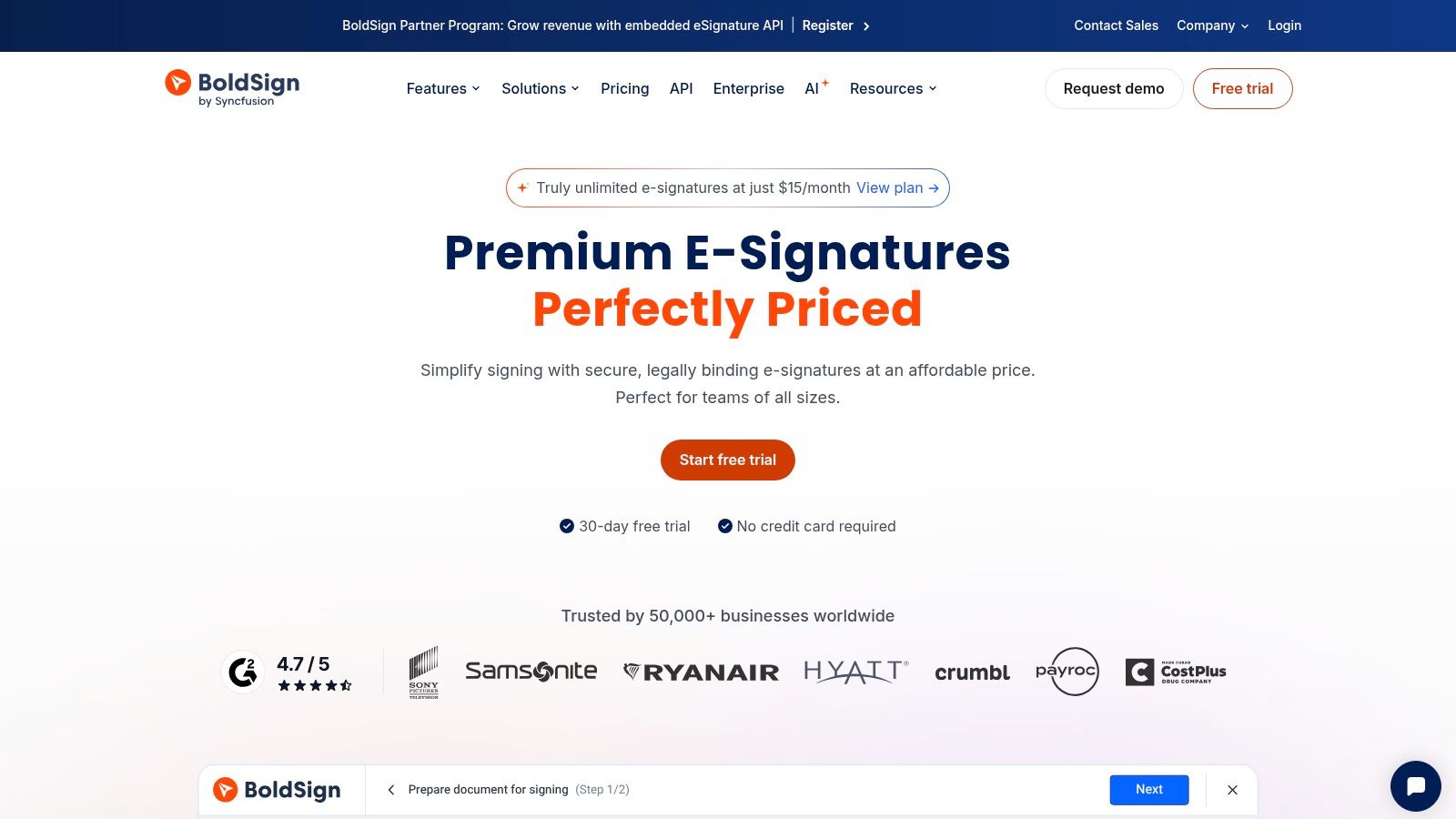
Cost-conscious teams and software builders will notice BoldSign quickly. It advertises a free plan and paid plans starting from $5, with both a web app for everyday sending and API plans for embedding signatures into your own product. That dual track is its main distinction as an alternative DocuSign option.
For a small business, the web app covers templates and signature-request workflows without the weight of a full proposal suite. For a SaaS team in New Zealand or the UAE building client onboarding into its own portal, the API route avoids sending users to a separate signing tool.
Low entry pricing needs scrutiny, though. The lowest tier may not include the administrative or workflow controls you need once several departments share templates. Sending limits and API pricing depend on the tier and track you choose, so confirm both before you build processes around them. It's also less familiar to some clients than Adobe or Dropbox, which can matter when signers hesitate at an unknown brand.
Test BoldSign if budget or API access leads your decision. Just verify the exact tier that includes your must-have controls.
8. SignWell
Sometimes you don't need a platform. You need documents signed. SignWell is built for that narrower job, with e-signature requests and document templates aimed at smaller businesses that find larger suites distracting.
According to the company, paid plans include unlimited signing requests and don't charge per recipient. Signers don't need a SignWell account, monthly billing is available, and its pricing FAQ says no annual contract is required. That combination suits a small real estate office or consultancy that wants predictable sending without a long commitment. This DocuSign vs SignWell comparison lays out the direct differences.
The limits follow from the simplicity. Free-plan sending and template caps should be checked if you're starting there. Also, you won't get broader contract management, PDF editing or sales document tools, so teams that need approvals, form-based data capture or deep integrations will outgrow it.
I recommend SignWell when straightforward signing is the whole requirement. If you're already juggling intake forms, multi-recipient approvals and CRM updates, a wider contract automation platform will save you a second migration later.
9. Jotform Sign
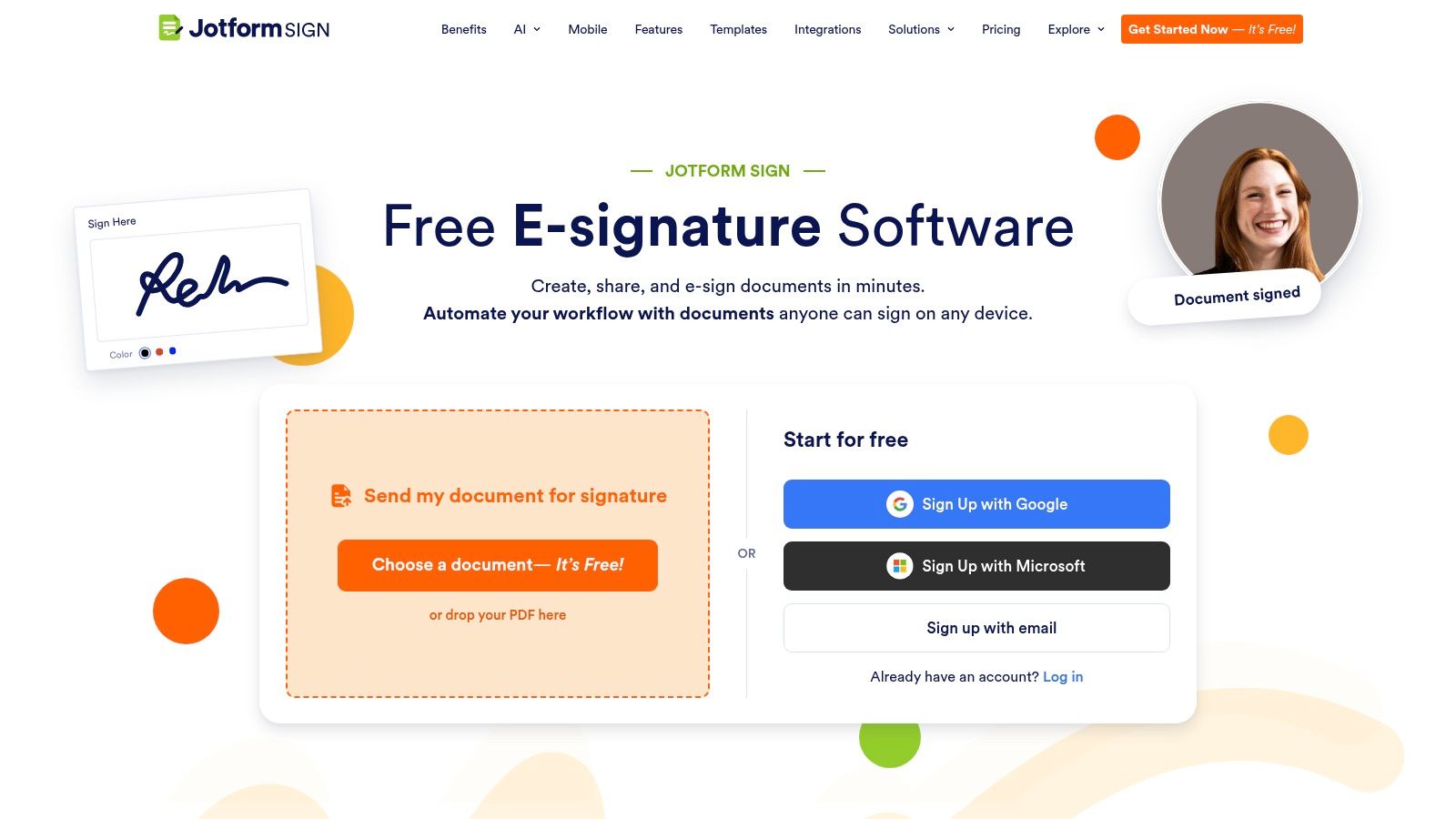
Intake-heavy work starts with a form, not a PDF. Admissions, consent, applications and onboarding all collect structured data before a signature is needed. Jotform Sign connects signing to Jotform's form-building and workflow tools, so education providers and healthcare teams can automate document and approval processes from the first submission.
Enterprise lists unlimited signed documents, forms and submissions, plus multiuser access, SSO, data residency and HIPAA-enabled features. Nonprofits can also apply for listed plan discounts. Teams gathering signups across languages may also value multilingual forms and data collection when they compare form-first options.
Budgeting takes care here. Enterprise pricing is custom, and your costs and limits may depend on the broader Jotform account and usage, not just signatures. That makes total cost harder to forecast than a flat-rate signing plan.
Choose Jotform Sign if forms drive your workflow and signing is the final step of intake. If you're mainly sending contracts that already exist as PDFs, a dedicated eSignature tool will feel lighter and usually cost less to administer.
10. Signeasy
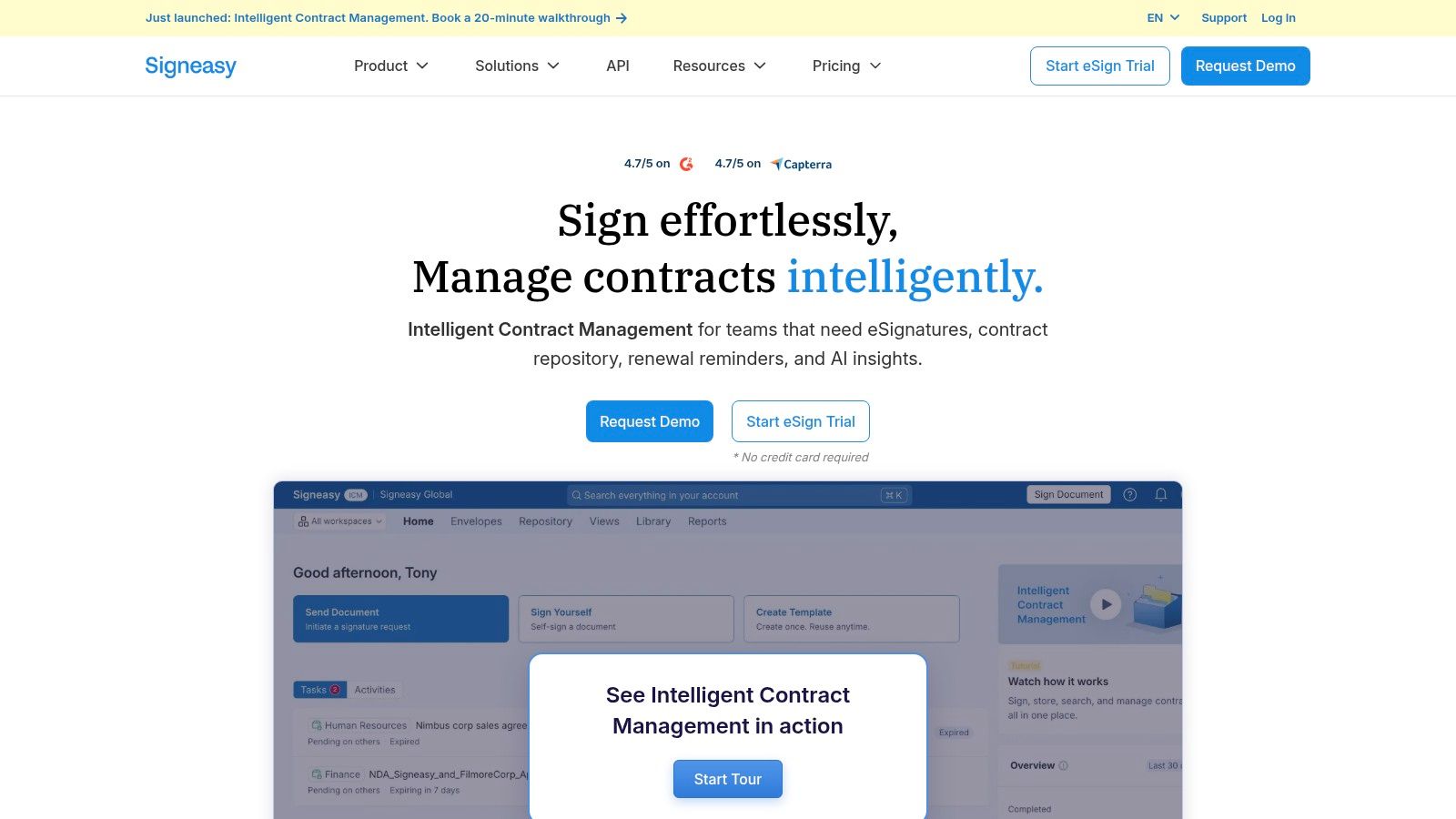
Mobile signing decides more deals than feature lists suggest. A 2026 French e-signature barometer covered in the Certyneo 2026 report recorded 388 remote signatures and found that 42% were completed on smartphones. That's the context where Signeasy, built for web and mobile, makes its case.
Paid team plans offer reusable templates, sequential signing, reminders and read receipts. Integrations cover Google Drive, Google Docs, Google Sheets, Outlook and Teams, which suits field-service and logistics teams already working in Google or Microsoft environments. Business Pro adds role management, reporting, API access and advanced controls, and recipients don't need paid accounts to sign.
Watch the add-ons. Per-user pricing can become costly for larger teams, and bulk sending, SMS or HIPAA may require an add-on or higher tier. Some reviewers also cite price and document-setup limitations, so test your messiest real document during evaluation, not a clean sample.
Pick Signeasy if phone-based signing in the field is your bottleneck. If office staff send high volumes from desktops, compare its seat cost against flat-rate rivals first.
DocuSign Alternatives Compared
Pricing structure matters as much as features: per-user plans scale with the number of senders, while envelope limits can restrict volume. Flat-price plans make costs easier to predict, but check what each plan includes before choosing.
| Item | Pricing Model | Free Plan | Unlimited Signing | Best For |
|---|---|---|---|---|
| Closer Innovation Labs Corp. (BoloSign) | Fixed-price plans | Free plan for low-volume use; free trial available | Yes, with fixed-price plans | Small businesses seeking predictable costs and unlimited team signing |
| Dropbox Sign | Per-user pricing; premium pricing by quote | Free plan available | Yes, on paid plans | Teams wanting a familiar signing workflow with common integrations |
| Adobe Acrobat Sign | Plan-based; advanced business pricing is sales-led | Free plan available | Not specified | PDF-heavy organizations already using Acrobat |
| PandaDoc | Per-seat pricing | Yes, limited to five documents per month | Yes, on the paid Starter plan | Sales teams managing proposals, quotes, and signatures |
| signNow | Per-user plans or invite-based Site License | No free plan stated; seven-day trial noted | Yes, on per-user plans; Site License pricing is usage-based | Businesses comparing seat-based and invite-based pricing |
| Zoho Sign | Tiered plans | Yes, for one user | Yes, on the Professional plan | Zoho users and teams needing tiered signing features |
| BoldSign | Free and paid tiers; starting price advertised at $5 | Yes | Yes, on paid plans | Cost-conscious teams and software builders needing an API |
| SignWell | Free and paid plans | Yes, with limits to check | Yes, on paid plans | Smaller businesses seeking straightforward signing |
| Jotform Sign | Plan-based; Enterprise pricing is custom | Free plan available | Yes, on Enterprise | Organizations connecting signatures to forms and workflows |
| Signeasy | Per-user plans | Free plan available | Not specified | Mobile-centered teams using Google or Microsoft tools |
How to Pick the Right Fit (and Test It Risk-Free)
Start with the cost structure, then check whether the workflow fits. Count your senders, estimate document volume in a busy month, and consider how both may change over the year. Per-user pricing can rise as more departments send agreements. Envelope limits can make frequent signing more expensive. A flat-rate option may suit organizations with many senders, while low-volume teams may prefer a plan with a free tier.
Many companies still lack dedicated contract-management tools: BearingPoint's 2025 study found that 74% of surveyed companies did not use one. For those teams, standardizing templates, tracking and storage can be a practical first step.
Check legal requirements against the documents you send and the places where recipients sign. The US ESIGN Act was signed in 2000 and effective October 1, 2000, according to this overview of electronic-signature laws. In the EU, eIDAS has applied directly across member states since July 1, 2016, as the European Commission's eSignature legislation page explains. For each plan under consideration, check that the signing process records signer intent, timestamps, document changes and retention.
Healthcare teams should also review privacy and access controls. The US Department of Health and Human Services' HIPAA guidance says electronic signatures may be used as a security measure when an organization determines they are reasonable and appropriate. Real estate, staffing and education teams should check the consent, recordkeeping and retention rules that apply in their jurisdictions.
Integrations should match tools employees already use, such as HubSpot, Salesforce, Google Sheets or Slack. Confirm which plan includes the connection and whether it supports the task you need. Digital signatures can help show who signed and whether a document changed, but they do not provide confidentiality on their own, as NIST's guidance on digital signatures explains. Check encryption, access controls and key management separately.
Test it before committing: Send a routine document and a complicated one to a colleague's phone. Time the signing process, then inspect the audit trail you would retain with the completed agreement.
A free trial gives you a way to assess the actual workflow. BoloSign offers a free trial with no credit card required, and your first document can be sent in under two minutes. The trial includes unlimited document signing, reusable templates, signing order, audit trails, mobile signing, Google Sheets integration and team collaboration. Import your DocuSign templates in one click, then run a staffing pack, lease, consent form or vendor agreement through the process. Use completion time and signer feedback to judge the fit.
Closer Innovation Labs Corp. builds BoloSign, an eSignature and contract-management platform with unlimited signatures, templates and team members for one fixed price. It also offers AI-powered contract intelligence. For teams comparing per-user, per-envelope and flat-rate costs, the right choice depends on how often they send documents and who needs to sign. Closer Innovation Labs Corp.

Paresh Deshmukh
Co-Founder, BoloForms
5 Nov, 2026
Take a Look at Our Featured Articles
These articles will guide you on how to simplify office work, boost your efficiency, and concentrate on expanding your business.